
Almost every Amazon listing video that converts starts as a still image, not as a camera take. You build a clean product frame first, then animate it. That order matters, because the thing shoppers judge in the first second is the product itself: edges, label legibility, texture, shadow contact with the surface. If the still is soft or the cutout is ragged, no amount of motion fixes it. Our walkthrough on creating product photos with AI for ecommerce is the prerequisite read.
Amazon’s own spec is unforgiving in a useful way. Listing videos want a 16:9 file, 1080p or better, no watermark, no competitor branding, no pricing claims, and a commercial license you can actually point to. Most free generators fail on the watermark alone, which narrows the field fast; our list of video generators that export without watermarks is a useful filter before you commit to a plan.
We ranked seven tools on four things: how good the source still looks at 100 percent zoom, how faithfully the image-to-video step preserves the product, whether the export clears Amazon’s rules without editing, and how much manual work is left per SKU. The still-quality half of that scoring follows the same method as our review of AI photo generators for realistic images.
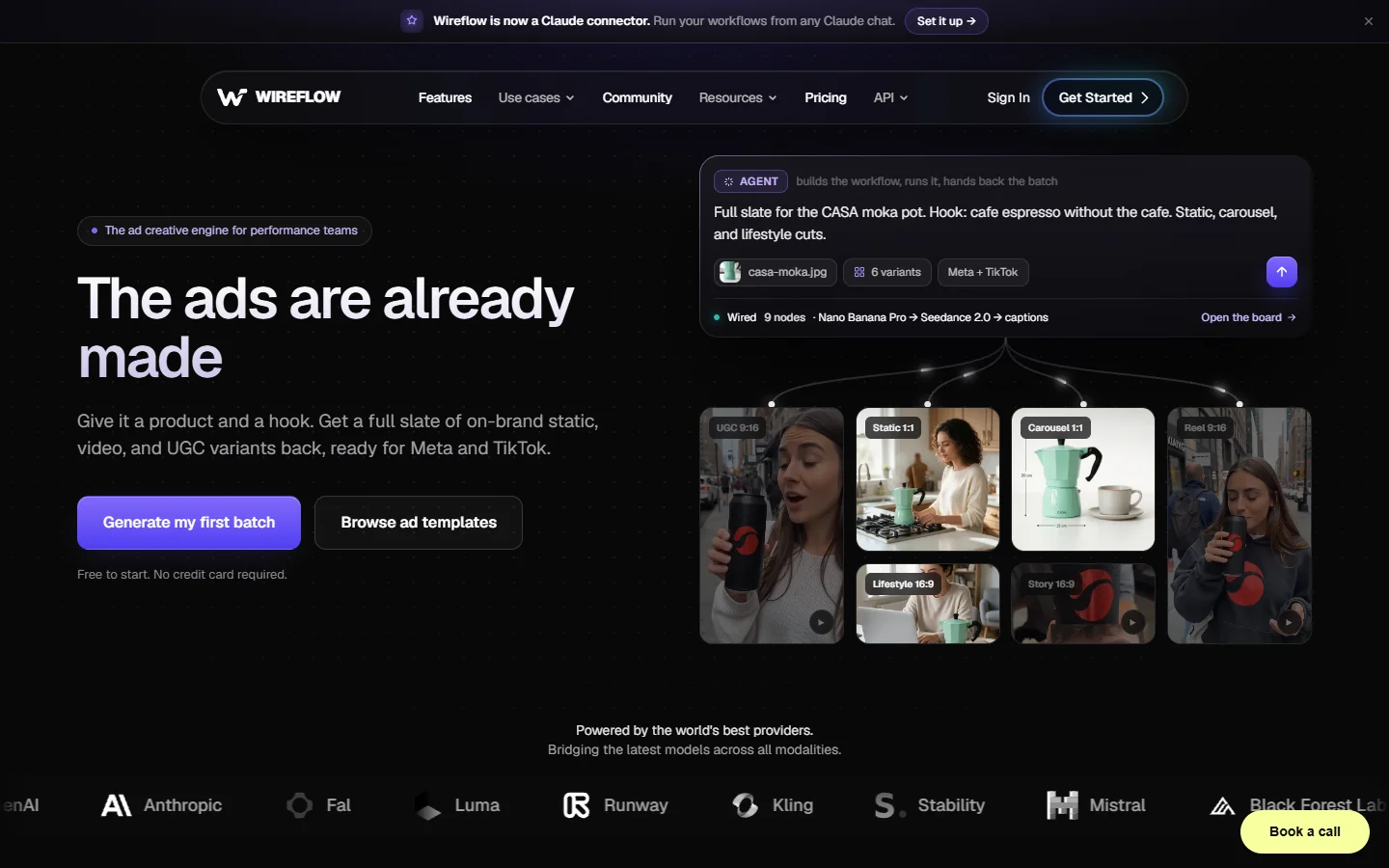
1. Wireflow
Wireflow takes the top spot because it is the only tool here that treats the still and the video as one pipeline instead of two products. You drop a raw phone photo of the SKU into a canvas, run background removal, relight it, upscale it, then hand the finished frame straight to an image-to-video node, all in the same graph. Nothing gets re-uploaded, nothing gets re-compressed, and the frame that shoppers see in the video is the exact frame you approved. For a full breakdown of that specific use case, the Wireflow platform documents the Amazon listing video build end to end.
The practical win is per-SKU cost at volume. Because the graph is reusable, seller number two hundred costs the same effort as seller number one: swap the input photo, rerun, get a 1080p 16:9 export with no watermark. The tradeoff is real though. It is a canvas, not a one-click button, so the first build takes an afternoon and there is no template gallery that writes your script for you. If you have five SKUs total, that setup cost is hard to justify and one of the simpler tools below will serve you better.
2. Photoroom
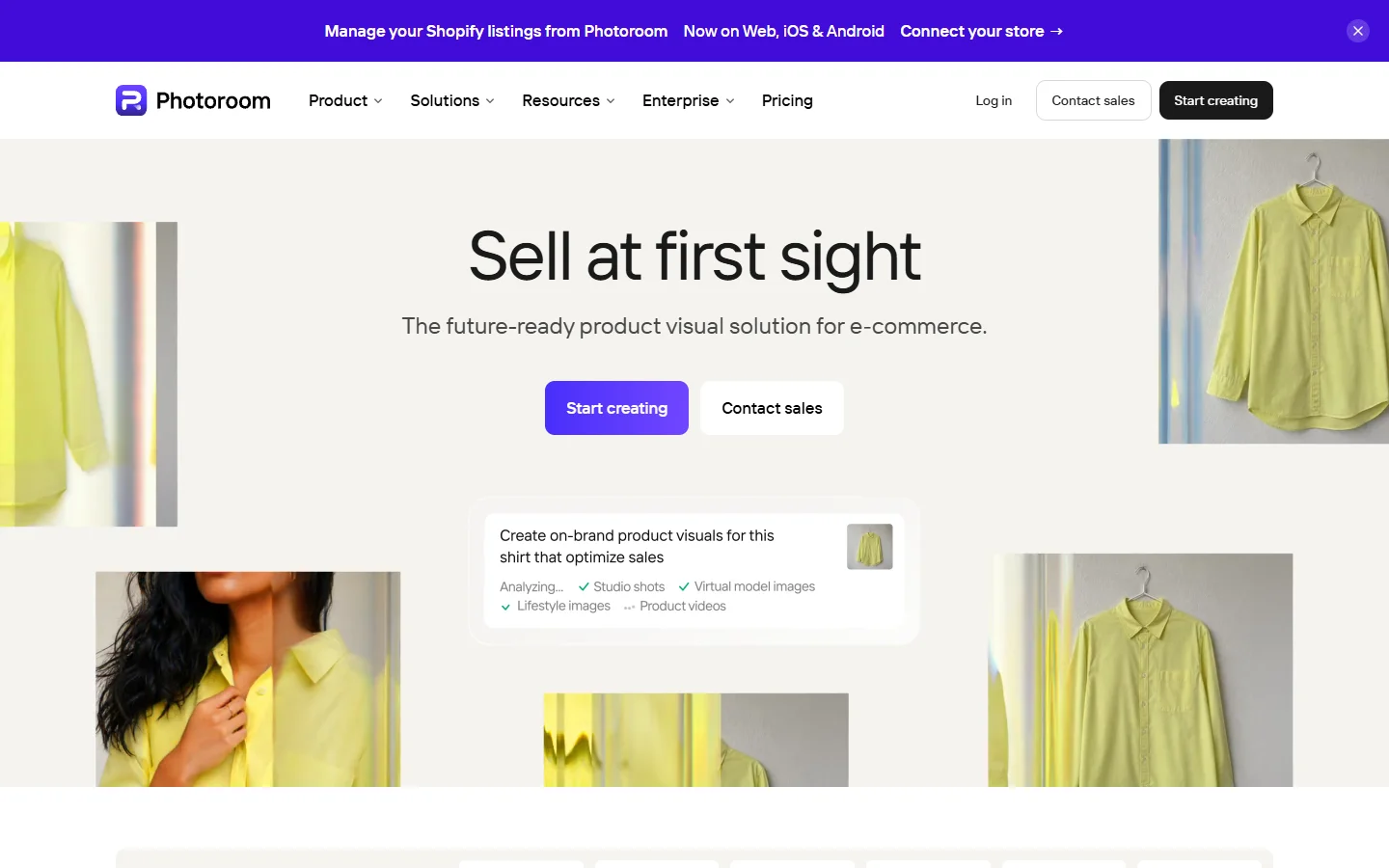
Photoroom is the strongest pure stills tool on this list and it is honest about what it is. Cutouts are close to flawless on hard-edged products, shadow generation looks physically plausible rather than pasted, and batch mode handles a whole catalog folder at once. It has no video stage, so it is a feeder tool that sits alongside whatever image generator you already run, not an end-to-end answer.
Use it when your bottleneck is the photography, not the animation. Pair it with a background pass, since a plain white cutout animates badly and looks flat in motion; our guide to generating custom backgrounds for product photos covers the scene choices that survive a camera move.
3. Pebblely

Pebblely is built around one idea: put your product into a styled lifestyle scene without a photoshoot. For homeware, cosmetics, and food it produces frames that genuinely look shot, and the free tier is generous enough to evaluate properly.
Its weakness is small text. Labels, ingredient panels, and fine print tend to smear on regenerated surfaces, which matters more on Amazon than on Instagram because shoppers zoom. Check every frame at full size before it goes near a video step, and read our comparison of AI photo enhancement tools if you need a repair pass.
4. Creatify

Creatify turns a product URL into a scripted ad with an avatar presenter, and it is fast. Paste the listing, get a voiced 30-second cut with captions in a few minutes, which is the same shape of output covered in our roundup of AI tools for social media video.
The catch for Amazon specifically is that its output is tuned for TikTok and Meta, so the default is vertical, personality-led, and claim-heavy. That style converts on social and gets flagged on a listing. You will be reformatting to 16:9 and cutting claims, which erodes the speed advantage. It is a better fit for off-Amazon traffic than for the listing carousel itself.
5. PixVerse
PixVerse is the most capable general image-to-video model on this list, and its product-ad workflow will assemble voiceover, captions, and music into a finished commercial from one photo and a few bullet points, closer to the text-to-video route than to a stills pipeline.
Product fidelity across a long shot is its weak point. Past roughly four seconds of motion the model starts editorializing: logos drift, a strap changes width, a lid gains a seam that was never there. Keep clips short and cut between them rather than asking for one continuous move. The mechanics of that handoff are covered in our piece on turning a FLUX image into video with Seedance 2.1.
6. Runway

Runway gives you the most directorial control of anything here: camera paths, motion brushes, and a genuinely professional editor around the generator. If you want a specific dolly-in on a specific edge of the box, this is where you get it.
It is also the least automated. There is no ecommerce mode, no product-aware guardrail, and no batch path, so cost per SKU stays roughly flat as your catalog grows. That is the right trade for a hero SKU and the wrong one for a hundred long-tail ASINs. Teams comparing the broader field will find more context in our roundup of the best AI video generators in 2026.
7. Shhots AI

Shhots AI is the narrowest tool on the list and the cheapest way to clear the spec. One product photo in, a watermark-free 16:9 listing video out, commercial license included, starting around $19 a month, which puts it ahead of most no-watermark free options on licensing clarity alone.
Quality is a step below the top of the list and the template range is thin, so a catalog built entirely in it starts to look repetitive unless you vary the scene briefs yourself, which a prompt library makes easier. As a floor rather than a ceiling it does the job: if your listing currently has no video at all, this closes that gap this week.
Comparison
| Tool | Image stage | Video stage | Amazon-ready export | Best for |
|---|---|---|---|---|
| Wireflow | Full pipeline | Yes | Yes | Repeatable multi-SKU catalogs |
| Photoroom | Excellent | No | N/A | Cutouts and batch stills |
| Pebblely | Strong scenes | No | N/A | Lifestyle frames |
| Creatify | Basic | Yes | Needs reformat | Off-Amazon ad traffic |
| PixVerse | Good | Yes | Yes | Short motion clips |
| Runway | Manual | Yes | Yes | Hero SKU craft |
| Shhots AI | Basic | Yes | Yes | Cheapest compliant video |
How to build a listing video image-first
Start with the frame, not the prompt. Shoot or generate one clean still per angle, remove the background, and check the label at 100 percent zoom before anything animates. A FLUX-class model handles the relight and the scene build well; our FLUX 1.1 Pro page explains where that model’s fidelity holds and where it does not.

Then animate in short beats. Three to four seconds per move, cut between them, and keep the product centered through the whole clip so the crop survives Amazon’s player. Long single takes are where product drift creeps in, and the fix is editing discipline rather than a better model.

Finally, audit the export against the spec: 16:9, 1080p minimum, no watermark, no price claims, no competitor logos in frame. If a background remover left a halo on the edges, redo the cutout instead of masking it in the video; the free background remover comparison covers which ones hold up on hair, glass, and mesh.
FAQ
Does Amazon allow AI-generated listing videos? Yes. Amazon regulates content, not the tool that made it. The video must show your actual product accurately, carry no watermark, avoid price and competitor claims, and be a file you hold commercial rights to. Accuracy is the rule that actually bites: a generated scene that changes the product’s shape or color is a takedown risk.
How long should an Amazon listing video be? Fifteen to thirty seconds for most categories. Lead with the product in use within the first two seconds, because that is roughly where mobile viewers decide to stay or scroll. The pacing rules are close to the ones in our guide to creating marketing videos with AI.
Can I make a listing video from a single product photo? Yes, and it is the most common path in 2026. Clean the still first, then animate it. Our walkthrough on turning any image into a video with AI shows the sequence.
Do I need a real photoshoot at all? For a product you already own and can photograph on a phone, no. One sharp, evenly lit reference shot is usually enough input for a generated scene. The step people skip is upscaling and label repair, which is where AI image editors earn their place in the stack.
What resolution and aspect ratio does Amazon want? 16:9 at 1080p or higher, H.264, under 5 GB. Vertical exports get letterboxed in the listing player and look like repurposed social content.
Why do generated videos distort my product? The model is predicting motion, not tracking a real object, so the longer the clip the more it invents. Shorter clips, a strong first frame, and a specific prompt all reduce drift; our prompt generator helps with the last one.
Is a free tool good enough for a listing? Rarely, because most free tiers watermark the export and Amazon will not accept it. Free tiers are for testing the look before you commit to a paid plan.
Conclusion
The tool that wins depends on your catalog size, not on benchmark scores. One hero SKU deserves Runway and an afternoon of manual direction. A hundred ASINs need a pipeline you can rerun without thinking, which is where a proper AI image editing suite attached to a video stage pays for itself.
Whatever you pick, keep the order: fix the still, then animate it. Sellers who get the frame right first ship listings that look like a studio made them, and our library of AI product image guides covers the rest of that pipeline.