
Most TikTok UGC ads are judged in the first frame, and that frame is an image. Before anything moves, the viewer has decided whether the person on screen looks real and whether the lighting reads like a bedroom or a studio set. That is why the 2026 stack looks less like a video editor and more like an image generation pipeline with a motion step on the end.
This ranking is image-first on purpose. We looked at how well each tool produces the raw material of a UGC ad, the hook frame, the creator still, the product close-up, and then how cleanly it hands that image off to video. If you have spent time with FLUX prompting for photoreal people, the workflow will feel familiar: get the still right, then animate.
How these tools were ranked
Four criteria, weighted for paid social. Frame quality, meaning a single still could pass as a phone photo. Control, meaning you can pin a face, product, or background across a batch. Iteration cost, since an ad account burns twenty variants a week. And the image-to-video handoff, where most tools quietly fall apart. The companion breakdown on making viral TikTok videos with AI covers the creative side of the same problem.
One note on honesty: only the top entry is a platform we use daily. Everything below is assessed on what it does well and where it stops, the same way we handled the wider field in this comparison of AI image generators.
1. Wireflow AI
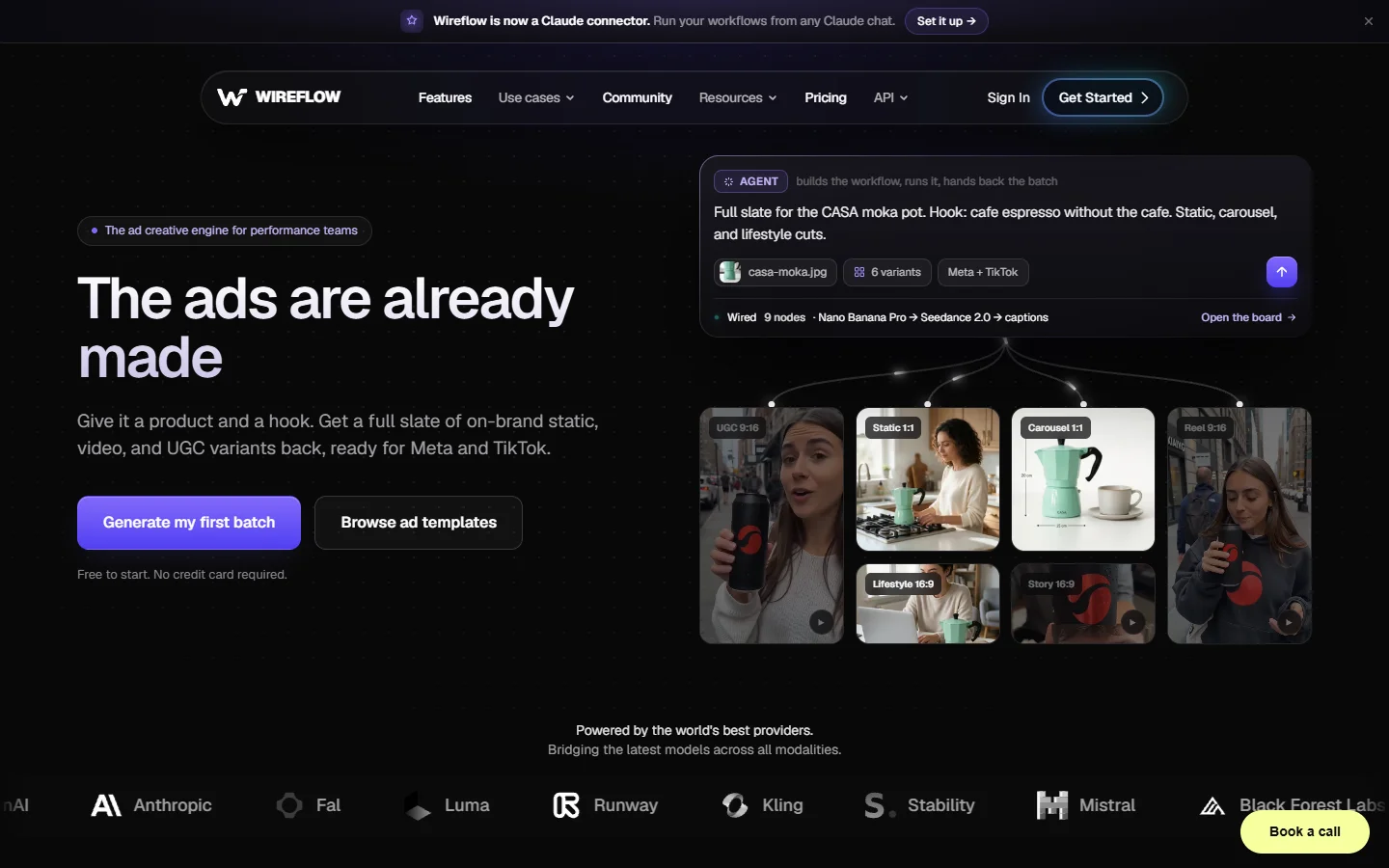
Wireflow takes the top spot because it treats the still and the clip as one chain rather than two products. You build a node graph: an image node generates the creator frame and product close-up, a consistency node locks the face and packaging across variants, and a video node animates the chosen still. That holds a character together across twenty creatives a week, the hardest part of the job. Its own breakdown of the Wireflow AI approach goes deeper on hook-frame logic.
Where it earns the ranking is variant economics. Because the graph is reusable, swapping a product, script line, or background costs one node edit rather than a fresh run, and the same pattern applies to AI product images for a store. The tradeoff is real: it is a builder’s tool. If you want one button that turns a product URL into a finished ad, entries three and five get you there faster on day one.
2. Arcads
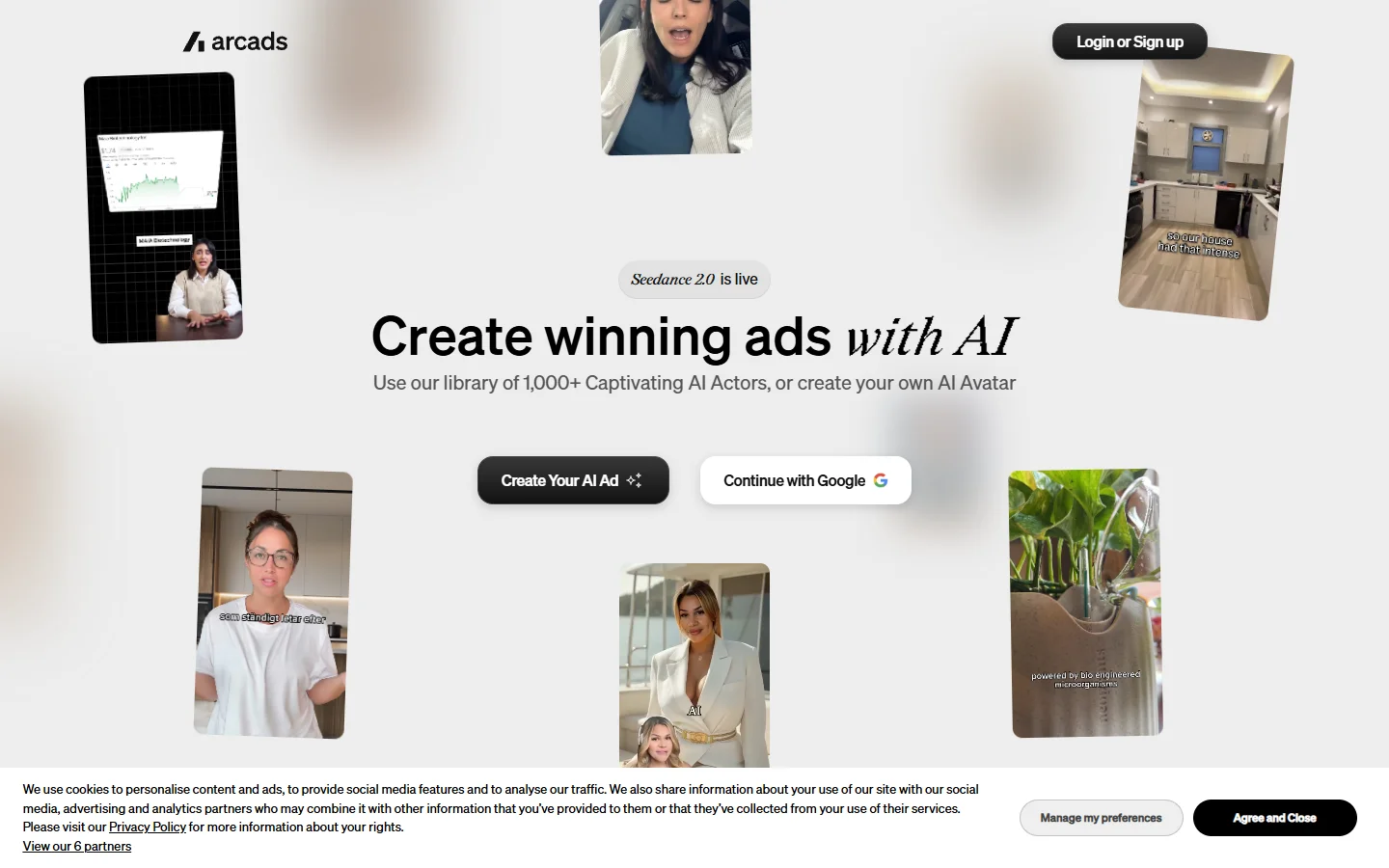
Arcads has the strongest AI actor library in this category. The performances read as delivered rather than synthesized, with the small head movements and vocal hesitations that separate a UGC read from a corporate explainer, closer to the bar set in professional AI headshot work. For talking-head hooks it is the current benchmark.
The limitation is upstream. You choose from a roster rather than generating your own creator, so a specific brand look means casting, not designing. Product handling is weaker than the avatar work, so most teams build product frames elsewhere, often with a higher-fidelity image model, and cut them in.
3. Creatify
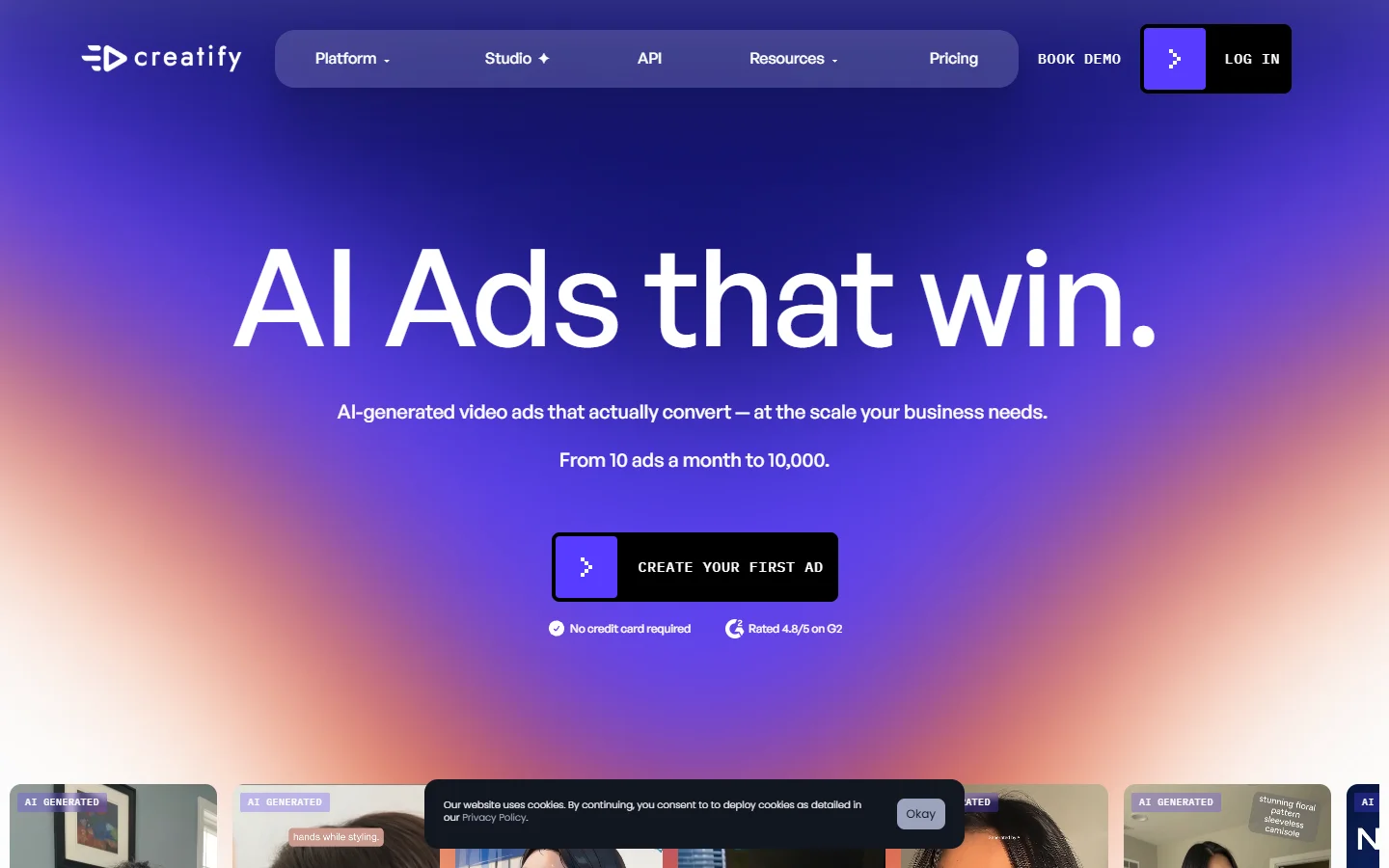
The URL-to-video path is the fastest way to a shippable ad here. Paste a product page and Creatify scrapes the copy and imagery, writes a script, picks an avatar, and returns a vertical cut in minutes. For testing offer angles at volume, that speed beats polish, and it sits in the same bracket as the tools in this AI ad generator rundown.
Quality is mid-tier and it shows on visuals rather than voice. Scraped product photos often carry the original studio background into a UGC-style ad, which breaks the illusion. Replacing them helps, using the technique in changing photo backgrounds with AI.
4. Higgsfield

Higgsfield is the motion specialist. Its camera presets, push-ins, whip pans, handheld drift, are the closest thing to a real operator any of these tools offer, which is exactly what a scroll-stopping first second needs and what generic text-to-video output usually lacks.
It is not a full ad platform. You bring the still, it brings the movement, which makes it a strong second stage rather than a starting point. It pairs naturally with the process in turning any image into a video with AI.
5. Topview AI
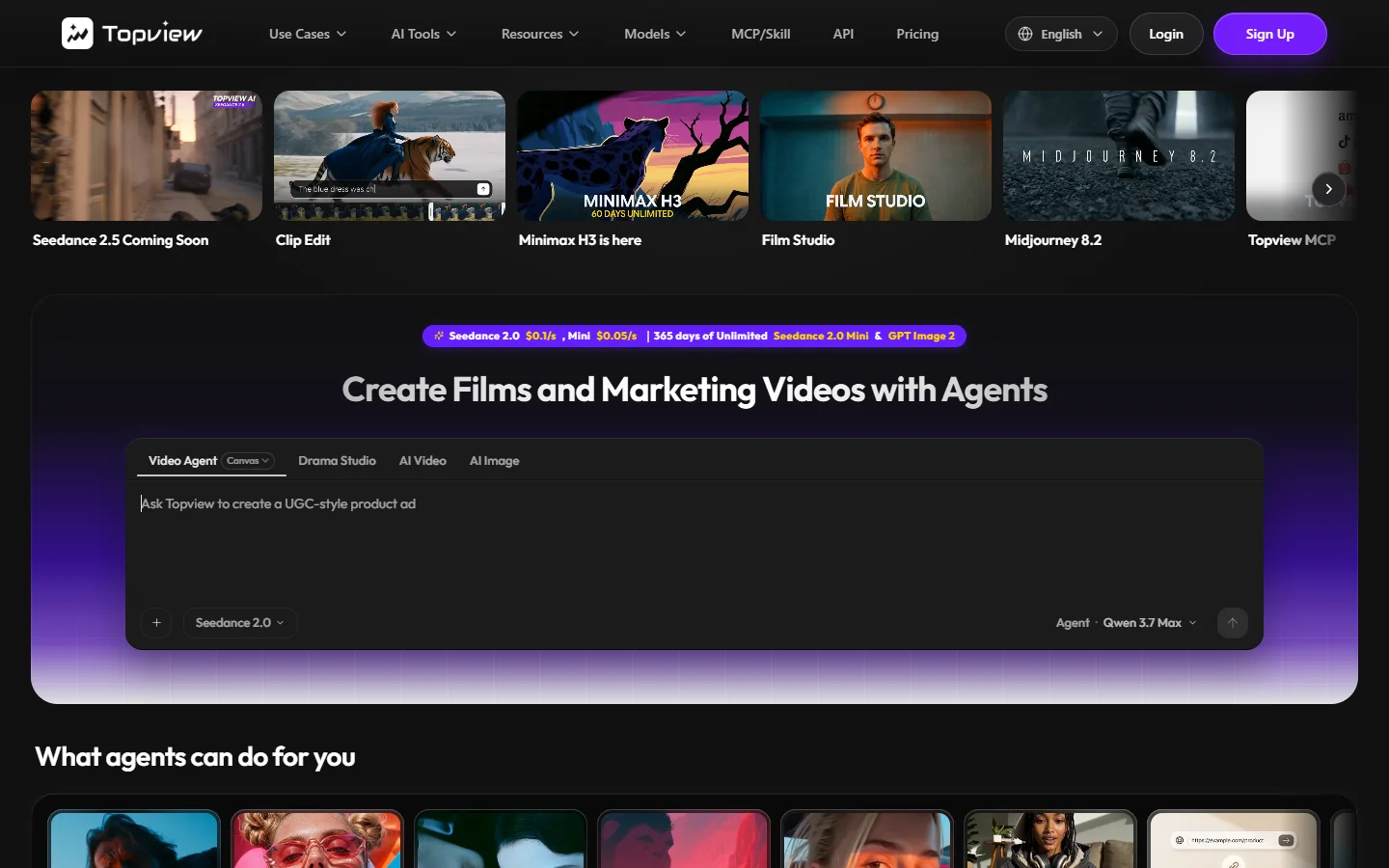
Topview is the budget option that still produces usable output. It is built around product clips, turning a handful of photos into a paced vertical edit with captions and a hook line in place, which works best when the source shots are strong to begin with, as covered in AI product photos for ecommerce.
Expect template fatigue. Run enough Topview ads and the transitions start to look like each other, a real problem once the account spends daily. Treat it as a volume layer under stronger hero creative rather than the source of it, and compare it against the wider field of 2026 AI video generators.
6. HeyGen

HeyGen remains the most reliable avatar and lip-sync engine, and its translation feature is useful if the same creative runs across several markets. Mouth movement holds up under close crops better than most competitors, which matters when the ad opens on a tight face frame.
For UGC specifically it reads corporate. The avatars are clean, well lit, and centered, the opposite of what performs on TikTok. Better results come from generating a rougher creator still first, using something like creating AI avatars from photos, and reserving HeyGen for spoken segments.
7. Krea
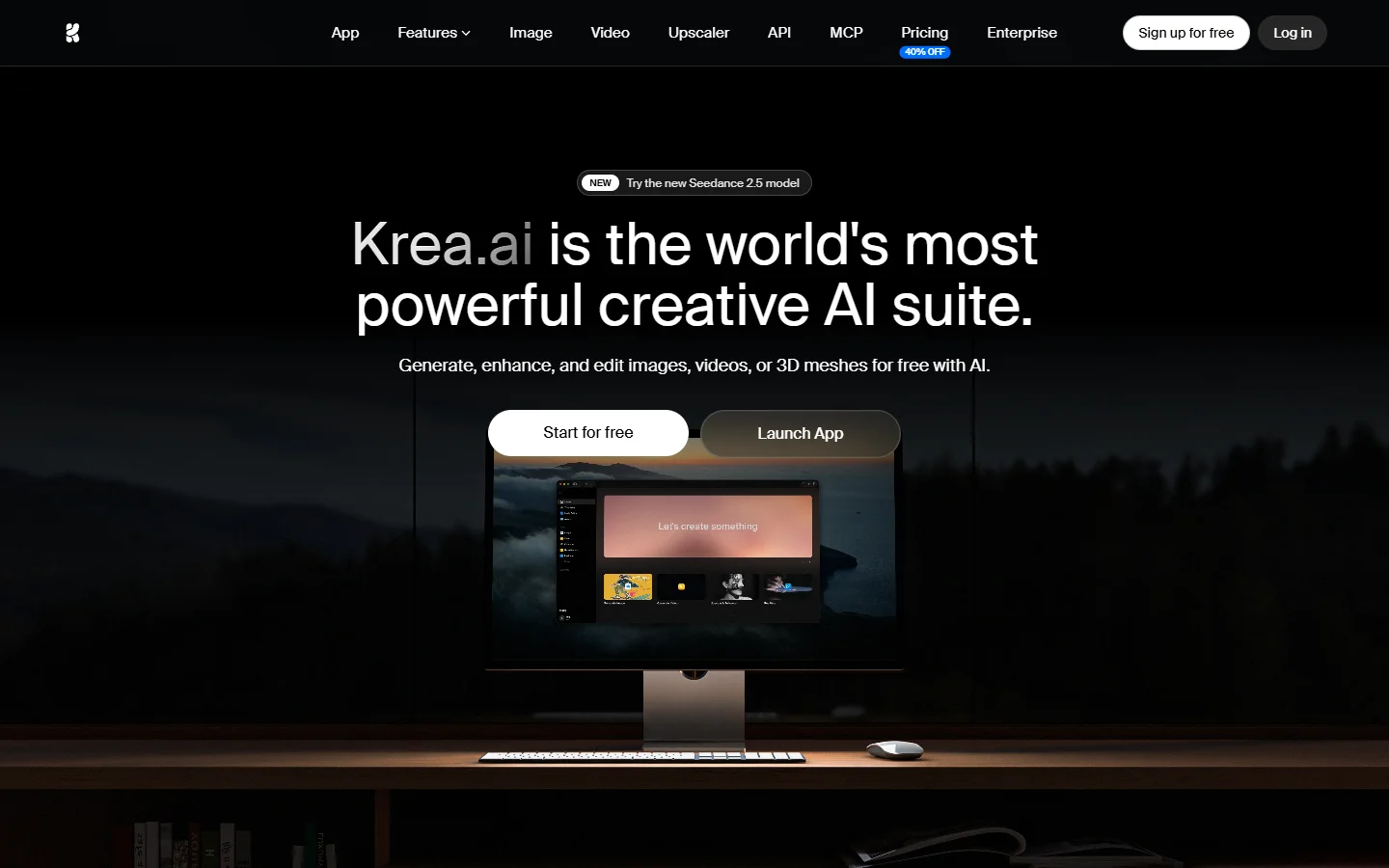
Krea earns a place for realtime image exploration. When you do not yet know what the hook frame should look like, steering a generation live is worth more than a higher-fidelity single render, which is the same argument behind Krea-tuned FLUX models. Art directors use it as a sketchpad and export the winner elsewhere.
It has no ad-specific features, no scripts, no captions, no TikTok aspect presets. Judge it as an ideation surface, which is also how realtime generation is best used in a production stack.
8. TikTok Symphony
Symphony is free with a TikTok Ads account and is the only tool here with native access to platform performance signals, a genuine advantage when picking hooks. Its creative studio generates variants from an existing asset and its assistant drafts scripts in the platform’s own idiom, roughly the level of the free image tools compared here.
The ceiling is low. Output is template-driven and visibly so, and the avatar library is small enough that other advertisers run the same faces. Use it for volume tests and free hook data, not hero creative, and keep a stronger prompt library for anything that carries real spend.
Comparison
| Tool | Best at | Weak point | Image-to-video handoff |
|---|---|---|---|
| Wireflow AI | Consistent batch creative | Learning curve | Native, same graph |
| Arcads | AI actor performance | No custom creators | Built in, avatar only |
| Creatify | Speed from a product URL | Scraped visuals | Automatic |
| Higgsfield | Camera motion | Not a full ad tool | Strong, image in |
| Topview | Cheap product clips | Template fatigue | Automatic |
| HeyGen | Lip-sync and translation | Reads corporate | Avatar only |
| Krea | Realtime ideation | No ad features | None |
| TikTok Symphony | Free platform signals | Low ceiling | Automatic |
Building a TikTok UGC ad from a single still

The workflow that holds up across all of these tools starts with one image. Generate the creator frame first, at 9:16, product already in hand, lighting slightly imperfect, because overlit frames read as advertising. A practical starting point sits in the FLUX prompt generator.
Next, lock what must stay constant. Face, packaging, and room should be identical across the batch, because a viewer who sees three different faces selling the same serum stops trusting all three. This is where an end-to-end AI image pipeline pays for itself, since consistency is enforced once rather than re-prompted per asset.
Then animate only the winning still. Running every candidate frame through a video model wastes budget, and most frames do not survive review anyway. Pick two or three, add motion, cut. That step is covered in the walkthrough on going from a FLUX image to video.
Finally, ship variants in threes. One hook change, one script change, one visual change, everything else held constant so the test tells you something. Broader tactics live in the guide to AI tools for social media video creation.
FAQ
Do AI UGC ads still perform on TikTok in 2026? Yes, with a caveat. Ads that look generated perform poorly, ads that look like a phone recording perform normally. The difference is almost entirely in the source image, which is why frame quality is weighted so heavily in this comparison of AI photo generators.
Do I need to disclose AI-generated creative? TikTok requires AI-generated content to be labeled and the ads platform includes a toggle for it. Label it. Accounts that hide it risk distribution penalties that cost more than the label ever will.
What resolution should the source still be? Generate at the highest resolution the model offers, then crop to 1080×1920. Upscaling a small frame afterward introduces artifacts that survive into the video, and enhancement tools only partly recover them.
Can one tool handle the whole process? The top entry comes closest and the platform-native option handles it end to end at lower quality. Most teams running real spend end up with an image stage and a motion stage rather than one tool, often wired together through a programmatic generation setup.
How many variants should a test include? Between eight and twelve per concept for a new offer. Fewer and the winner is noise, more and you pay for creative that never gets impressions. Batch generation makes that count practical, the same argument made in the guide to creating marketing videos with AI.
Is a real creator still better than a generated one? For long-term brand work, usually yes. For rapid offer testing a generated creator costs a fraction and turns around in minutes, so most accounts use generated faces to find the angle and a real creator to scale it.
Conclusion
The tools that win at TikTok UGC ads in 2026 respect the order of operations. Image first, consistency second, motion last. Everything on this list slots into one of those three stages, and the ranking reflects how many of them a tool holds at once without the output falling apart.
If you are starting from nothing, generate one strong creator still and animate it before evaluating anything else. That exercise tells you more about a tool than any feature page will, and the underlying model differences are explained in what FLUX 1 actually is.