
Node based tools changed how AI images get made, and in 2026 the same pattern has taken over video. Instead of typing a prompt into a single box and hoping, you wire a graph: a prompt node feeds an image model, that image feeds a motion model, the clip routes into an upscaler, and audio joins at the end. It is the same mental model that made FLUX based image generation repeatable for production work, applied to moving pictures.
This guide covers the node based video tools worth using in 2026, what each one is actually good at, and how to decide between them. The short version: ComfyUI still owns local control, Weavy and Flora own the hosted canvas, Krea owns speed, and Freepik owns the “already inside my design stack” case.
Why node graphs beat single prompt boxes for video
A video generation run is never one model call. You need a starting frame, a motion pass, usually an upscale, often a face or detail fix, and audio. Chained steps like this are exactly what no code AI workflow builders were designed for, and video is where the chaining pays off most because each step is slow and expensive enough that you do not want to redo the whole thing when one setting is wrong.
The second reason is reproducibility. A graph is a document. When a client asks for the same look with a different product, you swap one input node and rerun. Prompt boxes lose that state the moment you close the tab.
The third reason is cost control. Node tools let you preview cheaply at low resolution and only spend on the expensive motion model once the composition is locked, which is the same discipline that makes batch image generation affordable at scale.
ComfyUI
ComfyUI is the reference implementation of the idea. It runs locally or on a rented GPU, exposes every sampler, scheduler and latent operation as its own node, and supports video models through community node packs. If you want frame level control over a motion model, this is still the only tool that gives you all of it.
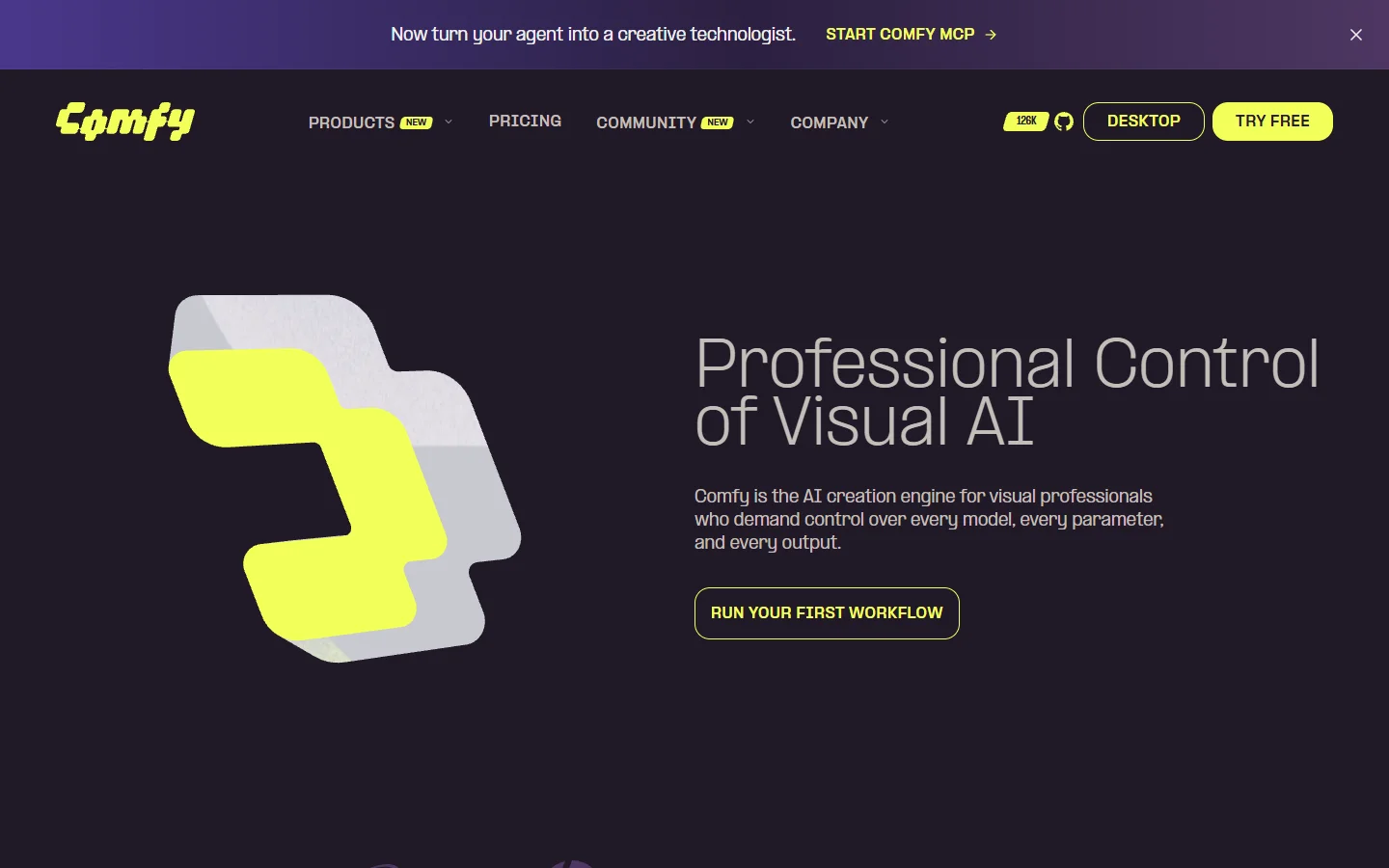
The tradeoff is setup. You manage Python versions, custom nodes, model weights and VRAM yourself, and a graph that works on one machine can break on another when a node pack updates. Teams that need the same render on every machine usually end up wrapping it, which is why so many people compare it against headless workflow platforms once more than one person needs to run the same job.
Use ComfyUI when you are doing research, need a specific open weights video model, or already own GPUs. It is also the best place to test an unusual model release before deciding whether it deserves a slot in a hosted pipeline, and the same is true for prompt experimentation that you plan to reuse later.
Weavy
Weavy puts the same node metaphor in the browser with commercial models wired in. You get a canvas, drag in generation nodes, connect them, and run without touching a GPU. Its compositing nodes are the differentiator: you can mask, layer and blend between generations rather than treating each output as final.
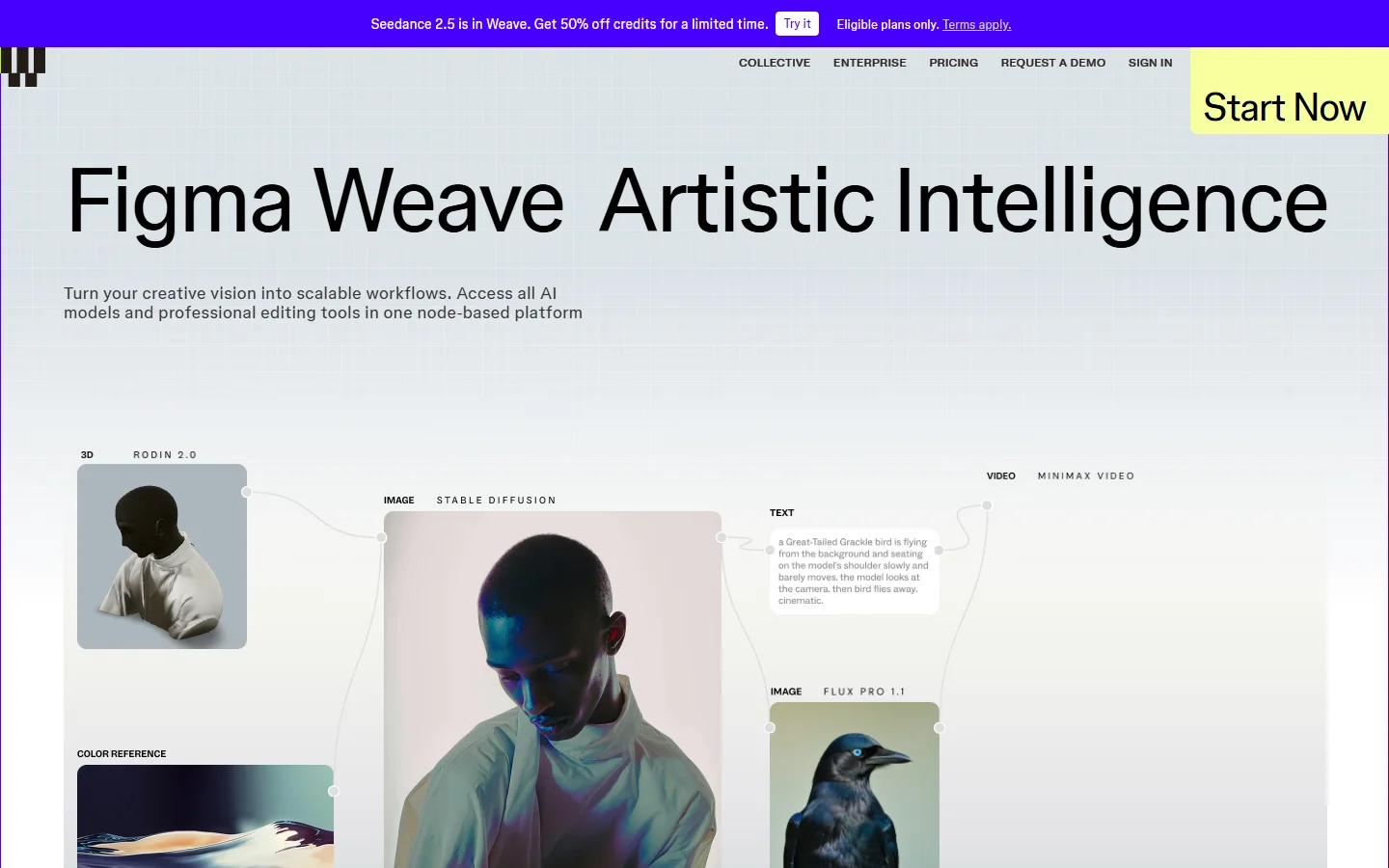
Video support arrives through the same node system, so an image you built in ten steps can be fed straight into a motion node. If you are shopping this category seriously, the roundup of Weavy alternatives is a useful cross check on pricing and model coverage.
Flora
Flora is the most design led canvas of the group. Nodes are large visual cards, the layout encourages branching, and it is built for creative directors exploring variations rather than engineers optimizing a pipeline.
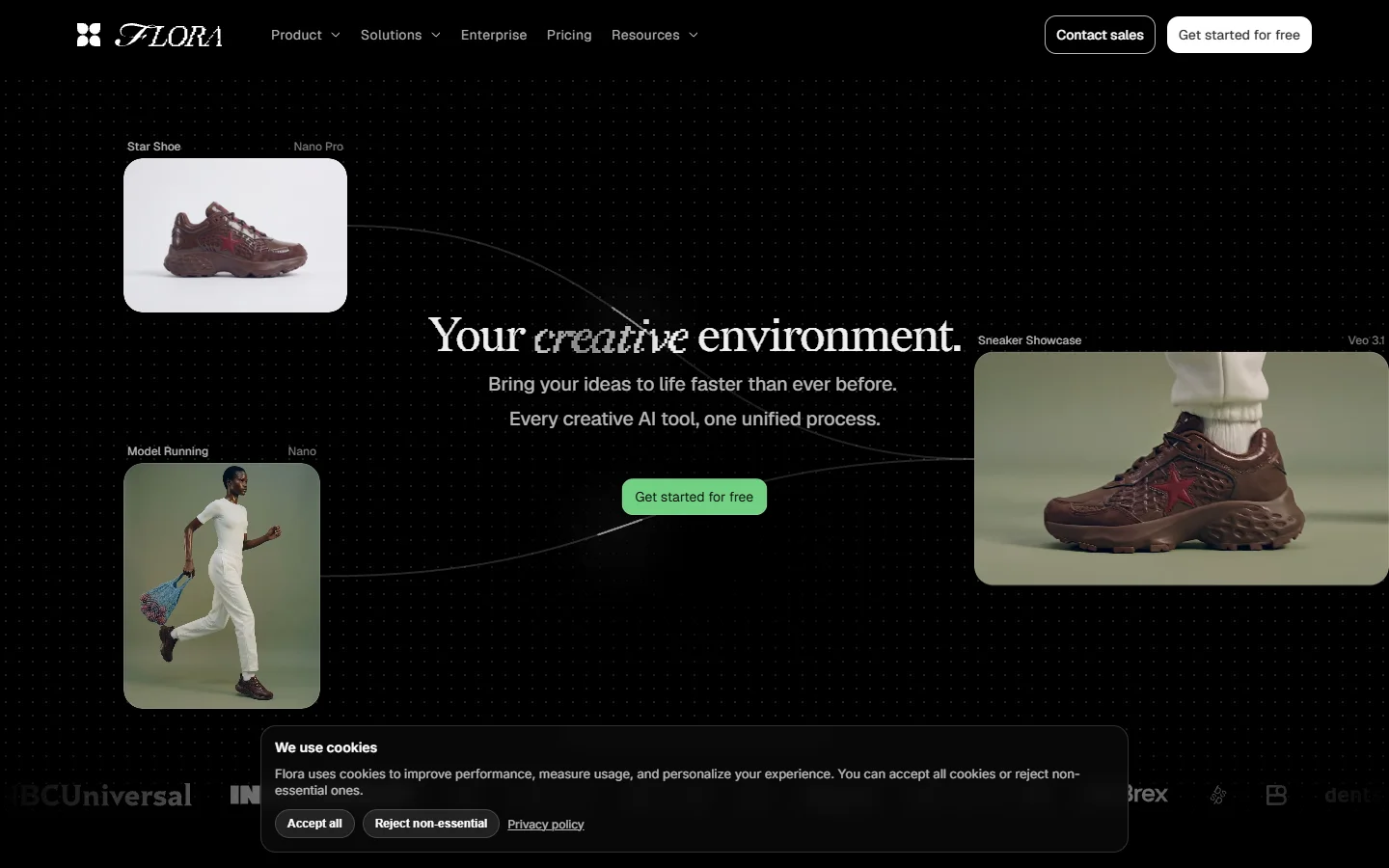
It handles the image to video handoff well, which matters because most good AI video in 2026 still starts from a still frame rather than pure text. The same technique is covered step by step in this walkthrough on turning an image into a video with AI, and Flora is a comfortable place to do it interactively.
Where Flora is weaker is automation. It is a studio, not a scheduler, so recurring jobs need something else behind them, usually an API driven pipeline that reproduces the same graph on demand.
Krea
Krea came from realtime generation and kept that speed as it added node based workflows. Its canvas is less deep than ComfyUI but far faster to iterate in, and it carries image, video, 3D and motion models under one subscription.
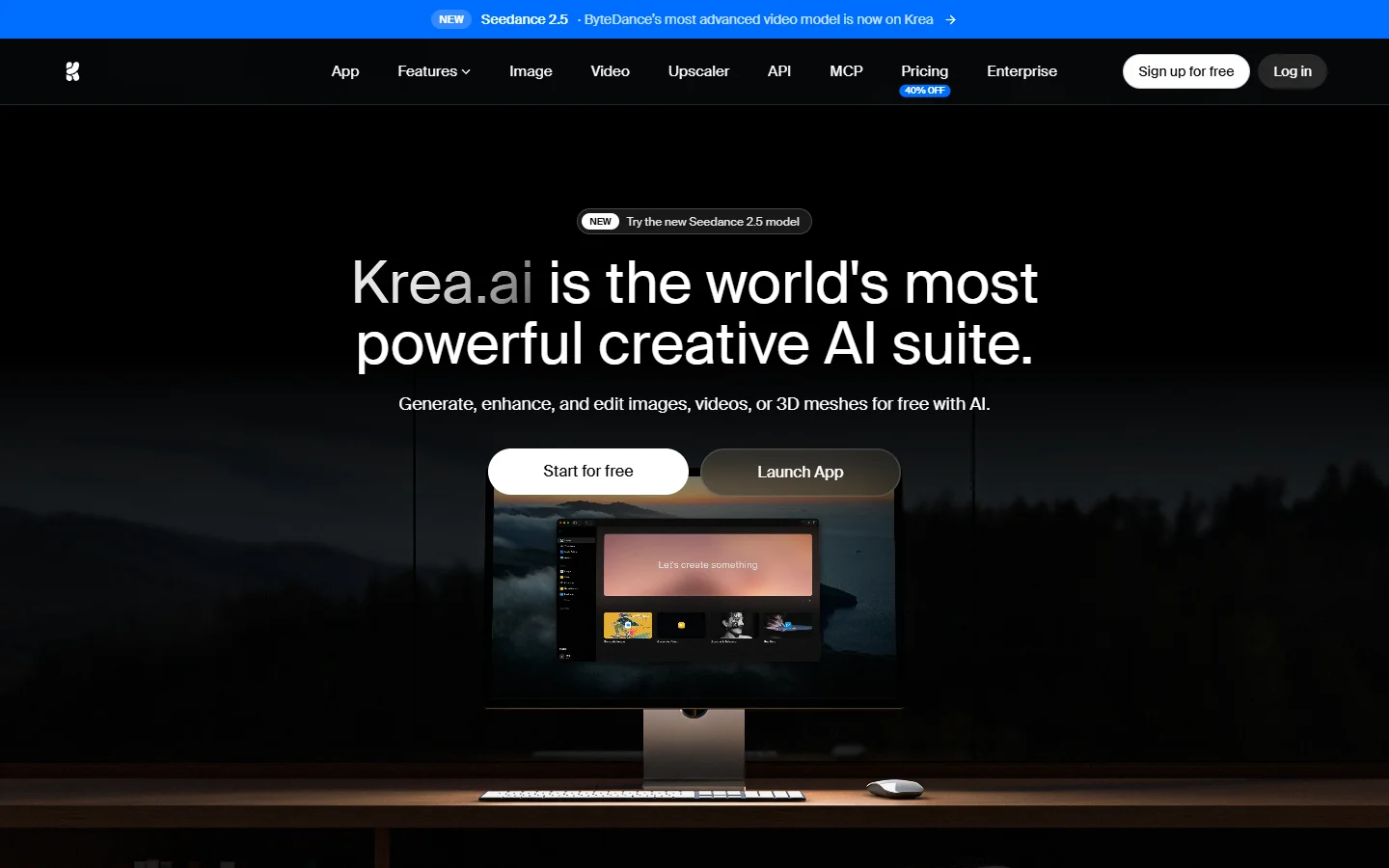
Krea is the pick when the bottleneck is exploration speed rather than final render control. Pair it with a strong still image pipeline, since a weak first frame ruins any motion pass no matter which model you use, and prompt craft for FLUX models is still the single change that improves output most.
Freepik
Freepik bundles node style workflows next to stock assets, templates and editors. For marketing teams already living in that library, keeping generation in the same tab beats stitching three products together.

Its node editor is the shallowest here, but the model roster is broad and the output goes straight into a design workflow. If you mostly need short social clips rather than film work, compare it against the general field in this breakdown of AI video generators in 2026.
Comparison table
| Tool | Hosting | Node depth | Video strength | Best for |
|---|---|---|---|---|
| ComfyUI | Local or own GPU | Very high | Open weights models, frame control | Researchers, GPU owners |
| Weavy | Cloud | High | Compositing into motion | Studios wanting control without setup |
| Flora | Cloud | Medium | Image to video exploration | Creative directors, agencies |
| Krea | Cloud | Medium | Fast iteration, broad models | Speed driven solo creators |
| Freepik | Cloud | Low | Short social clips | Marketing teams on stock assets |

How to build a node based video workflow that actually ships
Start with the still. Generate and lock your first frame before you spend a single credit on motion, because every motion model inherits the composition, lighting and subject fidelity of the frame you hand it. The comparison of AI image generators is a reasonable place to pick that first frame model.
Then branch rather than overwrite. Duplicate the motion node three times with different seeds and camera instructions and run them together, since judging one clip in isolation tells you almost nothing about whether a better version was available.
Add the finishing pass last. Upscale, frame interpolation and audio all belong after the shot is chosen, and an end-to-end AI generation pipeline makes it easy to keep those steps attached to the graph instead of scattered across separate apps.
Finally, version the graph. Export or duplicate it before any significant change so you can roll back, the same habit that keeps API driven AI workflows maintainable once other people depend on them.
Which one should you pick
If you own a GPU and want maximum control, ComfyUI. If you want the same control without maintaining Python, Weavy. If your work is exploratory and visual, Flora. If you value iteration speed above all, Krea. If your assets already live in a stock library, Freepik. Most professional setups end up using two: one canvas for exploration and one automated pipeline for delivery, an approach also common among people using Runway alternatives for client work.
FAQ
What does node based actually mean for video generation? It means each step of the process is a separate block on a canvas, connected by wires that carry data forward. A prompt node feeds an image node, which feeds a motion node, and so on. Compared to a single prompt box you can inspect and change any step without redoing the rest, which is the same advantage described in this guide to building AI workflows without code.
Do I need a GPU for node based video generation? Only for ComfyUI. Weavy, Flora, Krea and Freepik run the models on their own infrastructure and bill per generation or per subscription, which is also how most watermark free video tools price their output.
Is text to video or image to video better in 2026? Image to video generally wins for controlled work, because you can perfect the frame first and only then spend on motion. The technique is covered in detail in this guide to animating still images with AI.
How many nodes does a realistic video workflow need? A production graph is usually six to twelve nodes: prompt, image model, optional edit or mask, motion model, upscale, interpolation, audio, and export. Fewer than that and you are probably leaving quality on the table.
Can I automate a node graph to run on a schedule? Yes, but not in every tool. Canvas first products are built for interactive use, so recurring jobs usually run through an API layer instead, which is what the headless workflow platform category exists to serve.
What is the biggest mistake people make with these tools? Spending on the expensive motion model before the still frame is right. Lock composition, lighting and subject at the image stage first, ideally with a strong model like FLUX 1.1 Pro.
How much should I budget per finished minute? For hosted tools in 2026, plan on roughly ten to forty dollars of generation credit per usable minute once you account for discarded takes, which is why cheap preview passes matter so much.
Conclusion
Node based video generation is where image generation was two years ago: the people who learn the graph now will move much faster than the people still typing into a single box. Pick one canvas, build one repeatable graph, and only add tools when a real bottleneck appears. Teams that need the exploration canvas and the automated delivery pipeline to be the same thing tend to land on something like the Wireflow platform, while everyone else is well served by picking the single tool from this list that matches how they already work.