A video ad variant generator turns one creative idea into many finished cuts, so a single brief can ship 20, 50, or 200 versions instead of one. Five tools are worth using in 2026, ranked below by how many variants they produce per brief, how much control you keep over each step, and what a variant actually costs. Most of them start from a still image, which is why the choice of image model matters as much as the video stage, a point covered in the comparison of AI image generators.
The reason this category exists is creative fatigue. Meta and TikTok both burn through an ad creative in days, and the fix is volume: more hooks, more first frames, more CTAs, tested against each other. Generating those first frames with FLUX and then animating them is now a normal part of the pipeline, as shown in this walkthrough of turning an image into a video with AI.
What a video ad variant generator actually does
Every tool in this category does the same four things in some order: it takes a base input (a product photo, a script, or a URL), it expands one axis of that input into a list (hooks, headlines, voiceovers, first frames), it renders one video per list item, and it exports at the aspect ratios each platform wants. The differences are in which axis you can expand and how deep you can reach into the render. Batch behaviour is the thing to look at closely, and the mechanics are the same ones described in this guide to batch image generation via API.
Ranking below uses four criteria in order: variants produced from a single brief, how much of the pipeline you can edit rather than accept, model choice, and cost per finished variant. Platform export presets were the tiebreaker, since a variant that needs manual reframing for TikTok is not really finished, a problem the roundup of AI tools for social media video creation runs into repeatedly.
1. Wireflow
Best for teams who want to own the pipeline instead of a preset. Template-driven generators are fast on day one and rigid by week two: the hook list is fixed, the render steps are hidden, and swapping the video model means waiting for the vendor to add it. Wireflow takes the opposite approach with a node canvas that loops a single ad build over a list of hooks, so each row returns its own clip, any of 70+ models can be swapped into a node, and you pay per generation rather than per seat.
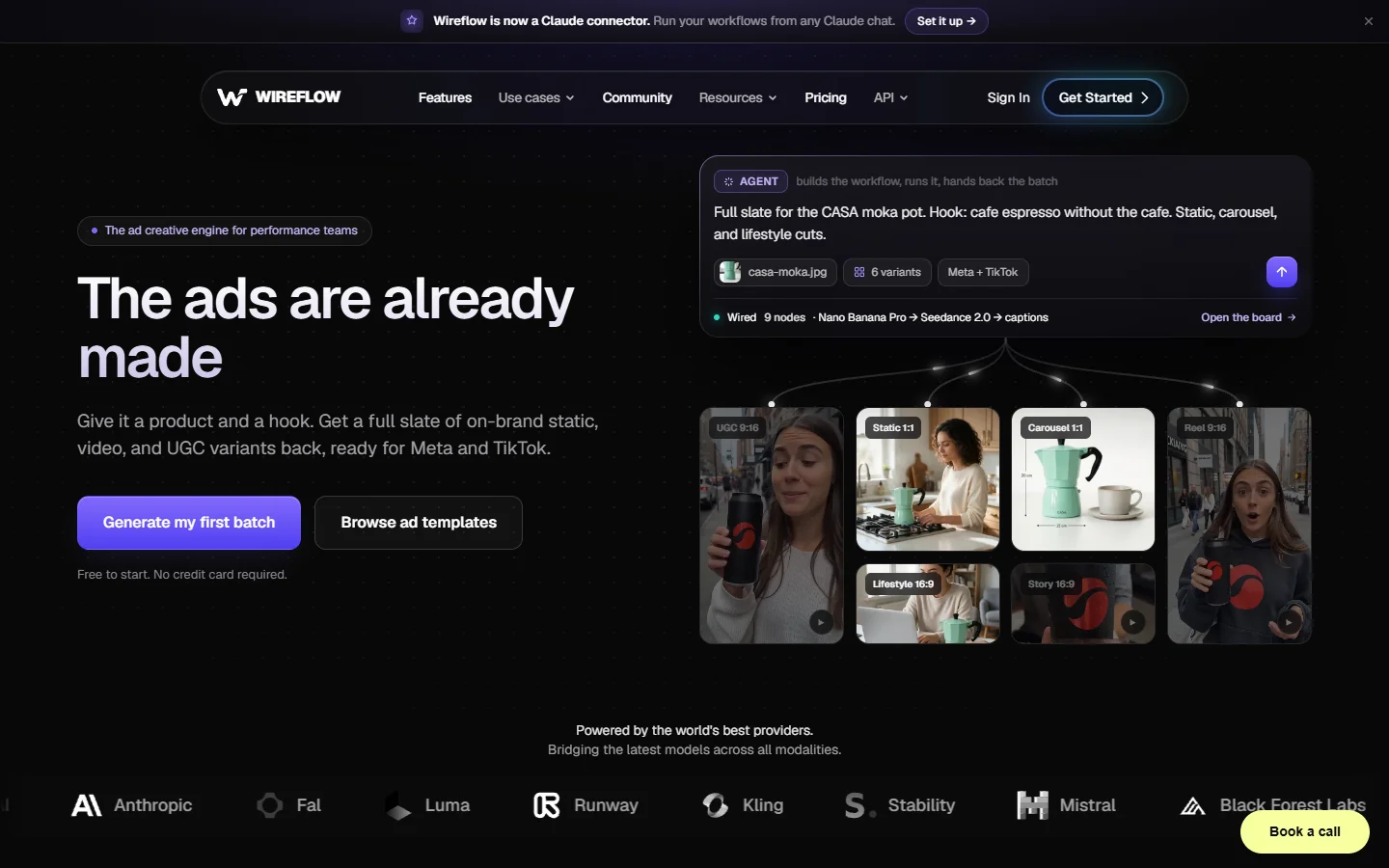
The honest tradeoff is setup time. You are building the graph, so the first ad pipeline takes an afternoon rather than five minutes, and the payoff only arrives on the second and third campaign when the same graph runs against a new product. Teams who need one ad today and nothing next month should skip to the preset tools below, which is roughly the same build-versus-buy split described in the overview of programmatic video generation platforms.
2. Fliki
Best for volume from a single product photo. Fliki takes a product image plus a short brief and returns up to 50 ad variants for Meta, TikTok, and YouTube, with spokesperson, UGC, and faceless modes, more than 2,000 voices, and 80+ languages. It is the highest raw variant count per brief in this list and the least technical to run.
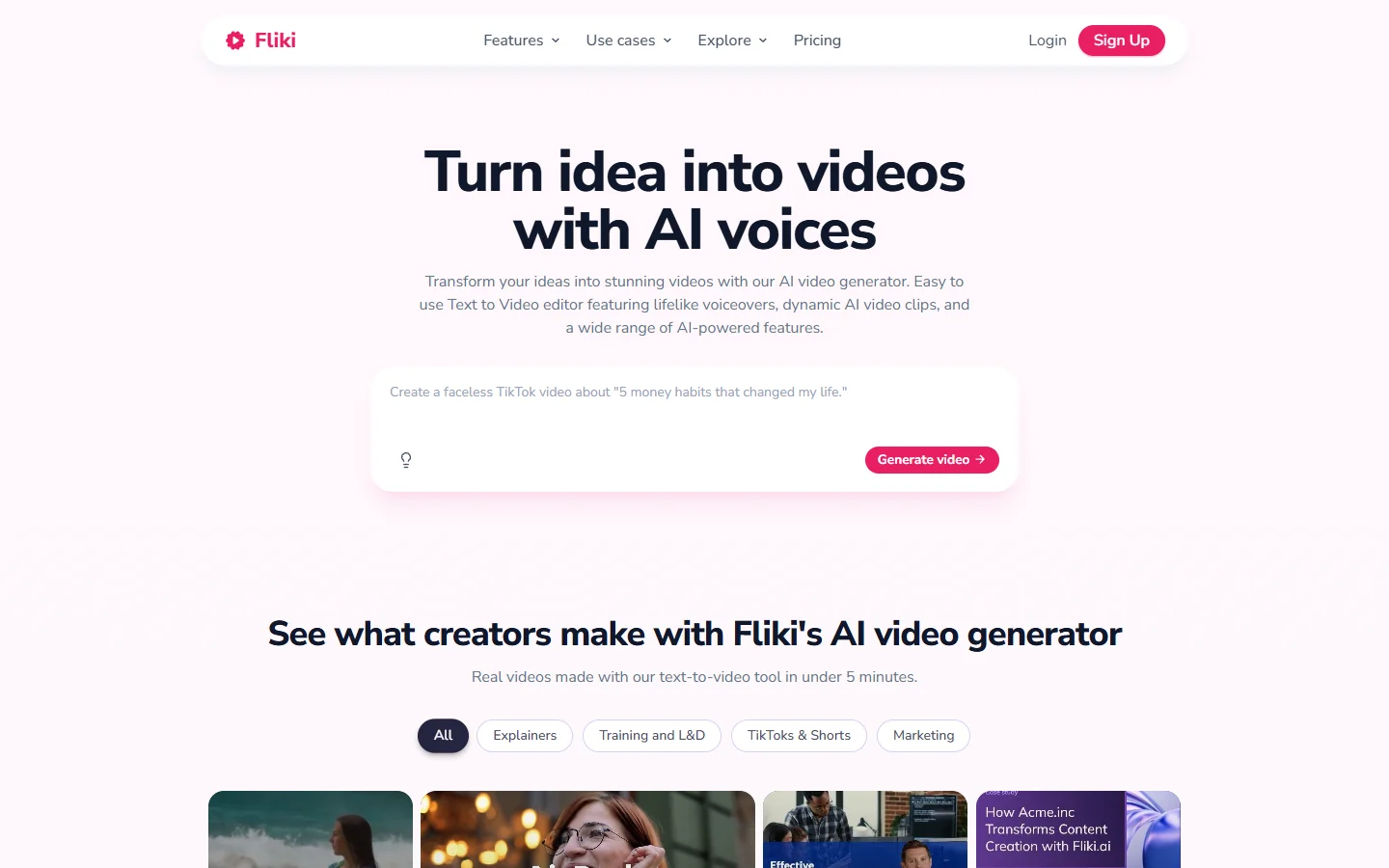
What you give up is granularity. The renders are template-driven, so two variants often differ only in voice and caption styling rather than in shot structure, and there is no way to substitute a different video model when a scene fails. For localisation-heavy accounts that is a fair trade, and the voice side pairs well with the process in this guide to AI voiceovers for video.

3. Opus
Best for cutting variants out of footage you already have. Opus works from existing video rather than from a still, producing permutations through headline swaps, pacing and colour variants, beat-synced motion graphics, and platform-specific exports. If you already have a shoot, a webinar, or a founder talking to camera, this extracts the most ads per minute of source material.
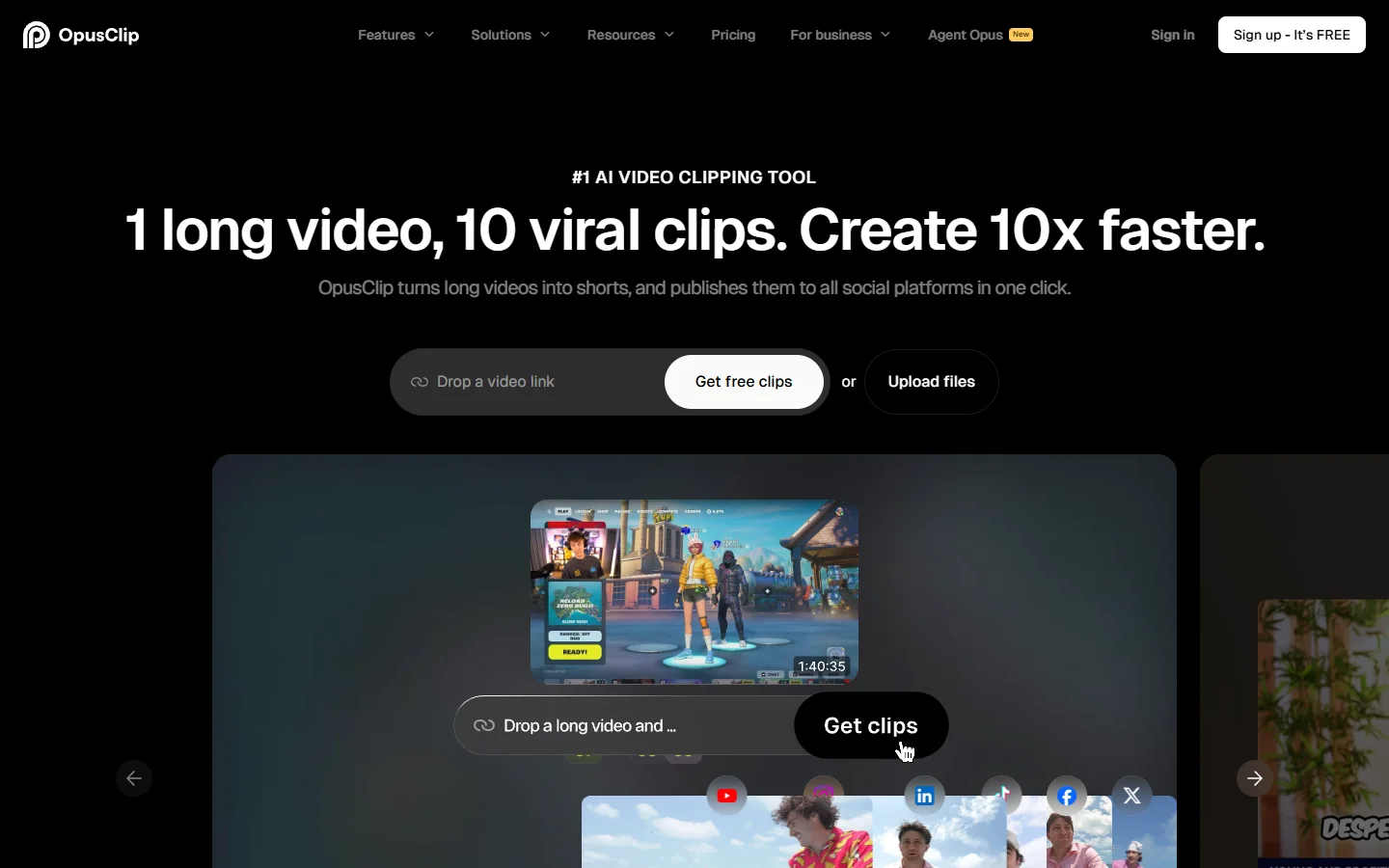
The limitation is that it cannot invent footage. With no source video there is nothing to permute, so it sits downstream of whatever generates your raw clips, a sequencing question the comparison of AI video generators covers in detail.
4. Pencil
Best for predicting which variant will perform. Pencil ingests product images, logos, and brand assets, then generates concepts across different hooks, messaging angles, and visual treatments, each scored by a performance prediction model trained on past ad results. The scoring is the reason to pick it: you ship the top-ranked five instead of all forty.
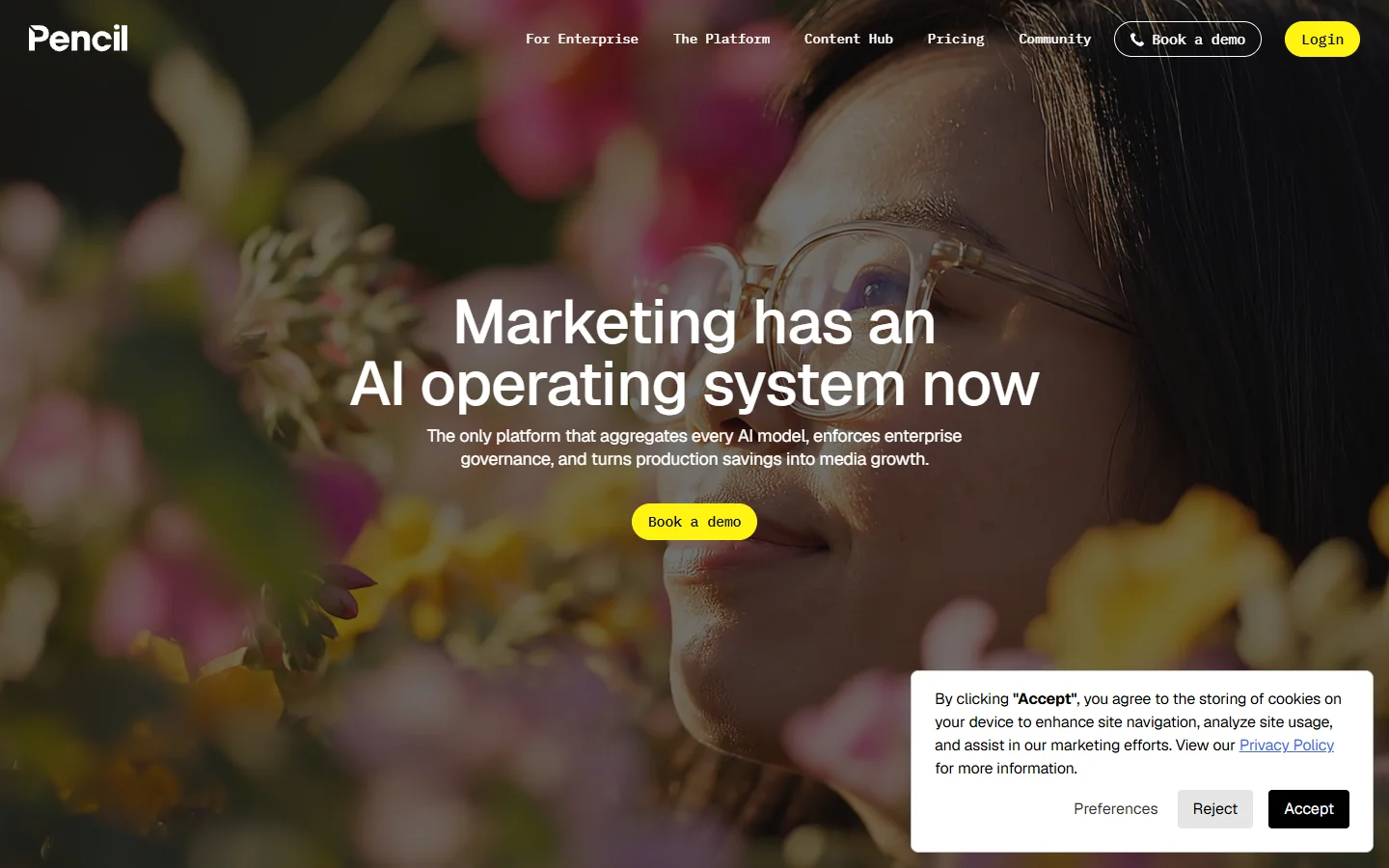
Prediction quality depends on having enough historical spend in the account for the model to calibrate against, so new advertisers get generic scores for the first few weeks. Brand asset quality also drives output quality here more than in the other tools, which makes a consistent first-frame style worth building, using something like a FLUX prompt library as the source.

5. Creatomate
Best for generating variants from a spreadsheet via API. Creatomate is a video rendering API: you design a template once, then POST a row of data per variant and get back a rendered MP4. Feed it a CSV of 300 product names, prices, and image URLs and you get 300 videos without a human in the loop.
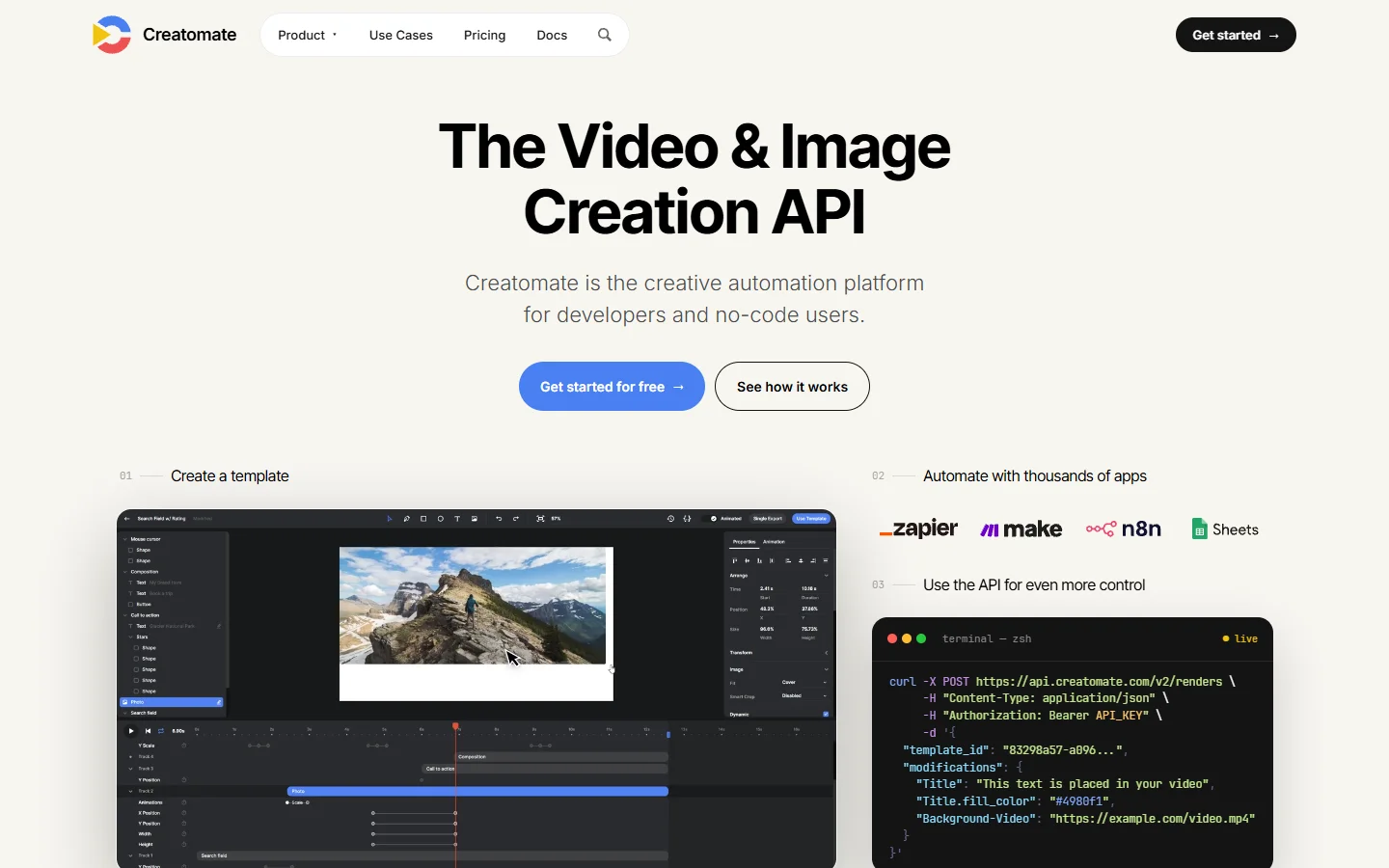
It generates nothing creative on its own, which is the point and also the catch. Every asset, hook, and voiceover has to come from somewhere else, so it works as the render stage of a larger chain rather than as a standalone generator, in the same shape as the setups in this piece on building AI workflows with an API.
Comparison table
| Tool | Best for | Variants per brief | Model choice | Pricing shape |
|---|---|---|---|---|
| Wireflow | Owning the pipeline | Length of your hook list | 70+ swappable | Per generation |
| Fliki | Volume from one photo | Up to 50 | Fixed | Subscription |
| Opus | Repurposing existing footage | Dozens per source video | Fixed | Subscription |
| Pencil | Picking the winner | Tens, scored | Fixed | Subscription |
| Creatomate | Data-driven rendering | Unlimited, one per row | None | Per render |
How to build a variant set that is actually worth testing
Start with the hook, not the visual. Write 10 opening lines that make genuinely different claims, since 10 variants of the same claim in different fonts will all perform the same and teach you nothing. Then build one first frame per hook, keeping subject, lighting, and framing consistent so the hook is the only variable, which is exactly the kind of controlled generation FLUX 1.1 Pro handles well.
Animate each frame with a single motion model so pacing stays comparable, then export at 9:16, 1:1, and 16:9 before you touch the ad manager. Run all variants at equal budget for at least three days before cutting any of them, and keep the losing hooks on file: a hook that fails for one product often works for the next. The image-to-video half of that loop is walked through step by step in this guide to taking FLUX images into video with Seedance.

FAQ
How many video ad variants should I test at once? Between 8 and 15 for a new product, dropping to 4 or 5 once you know which hook family works. Below 8 you cannot separate signal from platform noise, and above 15 the budget per variant gets too thin to reach statistical confidence in a reasonable window.
Do I need a video model, or can I animate stills? Animating stills covers most direct response ads and costs far less per variant, since one strong first frame plus a short motion pass reads as a finished ad on Meta and TikTok. Full text-to-video is worth it when the ad needs a scene change, an approach compared in this piece on turning text into video with AI.
What does one variant cost? On per-generation pricing, a still plus a short animated clip typically lands between 10 and 40 cents. Subscription tools bundle a monthly render allowance instead, which is cheaper at low volume and more expensive once you pass a few hundred variants a month.
Can I generate ad variants without any footage or product photos? Yes. A text prompt can produce the product shot itself, then the same shot gets reused as the first frame across every hook. The prompting side of that is covered in the FLUX AI image generator guide.
How do I keep variants visually consistent? Lock the seed, the aspect ratio, and the lighting description across the batch, and change only the copy layer. Consistency is what makes the test valid, since a variant that looks different is testing two things at once.
Which platforms need which aspect ratios? 9:16 for TikTok, Reels, and Shorts, 1:1 or 4:5 for the Meta feed, and 16:9 for YouTube in-stream. Export all three from the same render rather than cropping afterwards, a workflow detailed in this guide to creating marketing videos with AI.
Is a variant generator different from an ad generator? An ad generator makes one ad from a brief. A variant generator makes many ads from the same brief by expanding one axis of it, which is the difference that matters for testing throughput, as the roundup of AI ad generators for social media sets out.
Conclusion
The right tool depends on where your constraint sits. If you have footage, Opus gets the most out of it. If you have one photo and need volume tomorrow, Fliki is the fastest path. If you have historical spend data, Pencil tells you which variant to back. If you have a spreadsheet and an engineer, Creatomate renders it. And if you expect to run this every month across multiple products, building the graph once pays back quickly, which is the case laid out in the guide to node-based AI platforms with an API.