Seven tools now put HeyGen avatar video in reach of an MCP client, and they split into two camps: thin wrappers that hand your agent HeyGen’s raw endpoints, and pipeline tools that return a finished clip from one call. HeyGen shipped its own MCP server alongside Avatar IV and Interactive Avatars, so the raw route is officially supported and free to try. The pipeline route matters more once voice, lipsync, and assembly enter the picture, which is the same reason people outgrow single-purpose AI avatar video tools after a few builds.
The friction usually shows up on the second or third project rather than the first. An agent holding one atomic create_avatar_video tool still has to generate the voice, poll the render, check status, and stitch the pieces together, and every round trip spends context and adds one more place for the run to break. The fix most teams land on is collapsing that chain into a single hosted tool with typed inputs, an approach laid out in Wireflow’s HeyGen MCP comparison.
This ranking is aimed at people wiring HeyGen into Claude, Cursor, or a custom agent loop rather than clicking through HeyGen’s own studio. If you are still deciding which client to point at your tools, the notes on Claude Code and API integration cover the setup side.
The Ranking at a Glance
- Wireflow · Best for finished videos: the whole avatar chain as one MCP tool
- HeyGen Official MCP Server · Best direct route: HeyGen’s own atomic tools, no middleman
- Composio · Best managed auth: hosted HeyGen toolkit with OAuth handled for you
- Zapier MCP · Best no-code: HeyGen actions plus thousands of downstream apps
- n8n · Best self-hosted: HeyGen calls inside a workflow engine you run
- Pipedream · Best for developers: HeyGen actions with real code between steps
- Smithery · Best for discovery: registry and install layer for MCP servers
How This Ranking Was Built
Ranking criterion: how much work the agent has to do to get from a prompt to a usable video file. A tool that returns a finished asset URL in one call ranks above one that returns a job ID the model then has to babysit, because non-deterministic agents are bad at multi-step polling and every retry costs tokens. That is the same trade-off that shapes AI orchestration APIs for production apps.
Four things were weighed for each entry:
- Call depth. One tool call versus a sequence the model has to sequence itself.
- Credit routing. Whether renders bill your existing HeyGen account or the platform’s own compute.
- Reproducibility. Whether behavior is pinned server-side or reassembled per run.
- Setup cost. API keys, OAuth, self-hosting, and how long before the first successful render.
Pricing is noted where it is published. Several of these platforms bill per task or per credit on top of whatever HeyGen charges, so the real cost of a clip depends on which side of that boundary the render happens, a pattern that also shows up across AI APIs for developers.
1. Wireflow
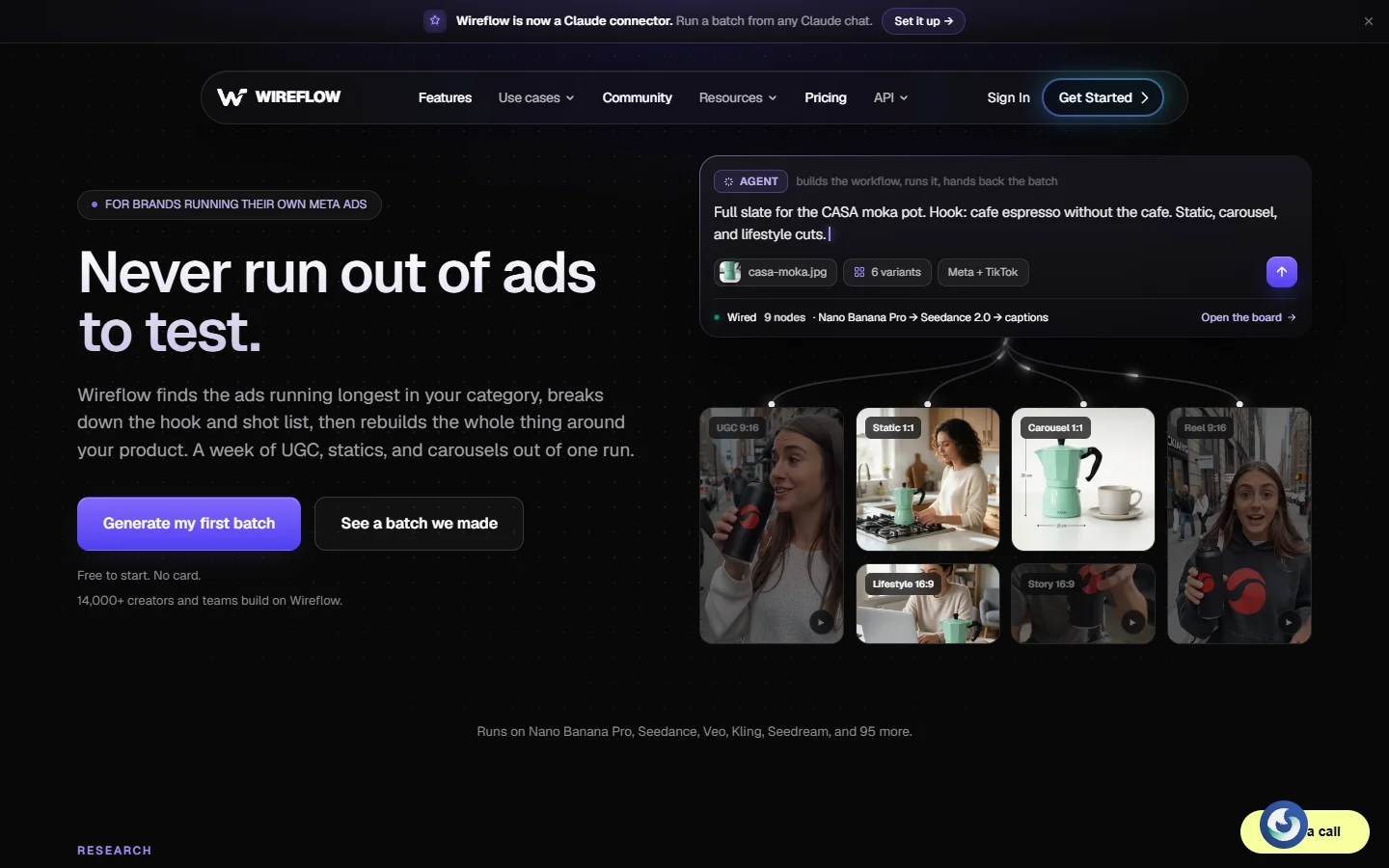
Verdict: best when the deliverable is a finished video, not a raw clip. Wireflow is a hosted node canvas where each published workflow is simultaneously a REST endpoint and a tool on its MCP server. Three HeyGen avatar nodes sit on that canvas alongside ElevenLabs voice generation, Sync Lipsync v3, and compose steps, so a graph can take a portrait plus a script and return one asset URL. The agent sees a single named tool with typed inputs instead of six calls it has to order correctly, which is also how the better AI lip sync tools get folded into a pipeline rather than run standalone.
The honest limits: this is a generation layer rather than a reseller of HeyGen’s account API, so renders do not land in your existing HeyGen library, and it is hosted only with no self-host option. Plans run $24 Starter, $45 Pro, and $249 Team per month, building is free, and generations spend credits. Skip it if you specifically need assets inside your HeyGen workspace, and read the primer on node-based video generation tools first if the canvas model is unfamiliar.
2. HeyGen Official MCP Server
Verdict: best direct route, and the right first stop. HeyGen ships its own MCP server exposing the primitives: list available voices, list avatars, generate an avatar video, and check generation status. It connects to Claude Web, Claude Desktop, Claude Code, Cursor, and Gemini CLI with an API key, and because it is first-party it tracks new avatar models without a third party catching up.
The tools are deliberately atomic, which is the trade. The agent gets a video ID and has to poll for completion itself, and anything past a single talking-head clip lands back in the model’s lap. Renders bill your own HeyGen plan, which is either the main draw or the main constraint depending on how many credits you have. Voice is the other decision it leaves open, since HeyGen’s stock voices are usable but rarely match what you would pick from a dedicated list of AI voice generators.
3. Composio
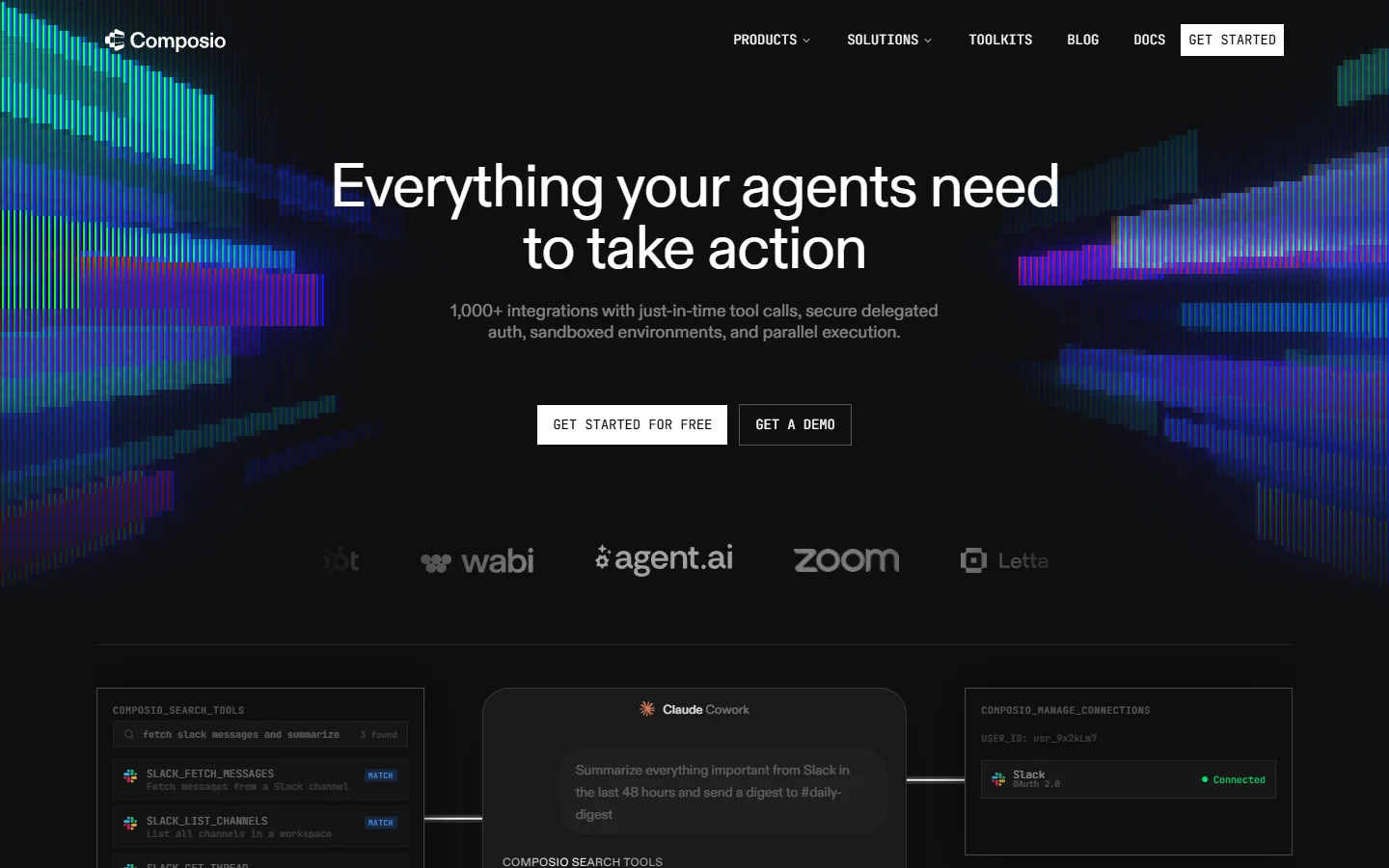
Verdict: best when auth is the part you do not want to build. Composio hosts a HeyGen toolkit among several hundred others and handles the OAuth and key storage for you, which matters most when your agent needs HeyGen plus a CRM plus a storage bucket and you do not want three credential paths in your code.
Its HeyGen actions include generating WebM clips with transparent backgrounds, which is genuinely useful if you are compositing the avatar over your own footage instead of shipping HeyGen’s stock background. The cost is another vendor in the chain and another account to keep funded, and the toolkit tracks HeyGen’s API rather than extending it, which is the usual ceiling on wrappers of any AI content generation API.
4. Zapier MCP
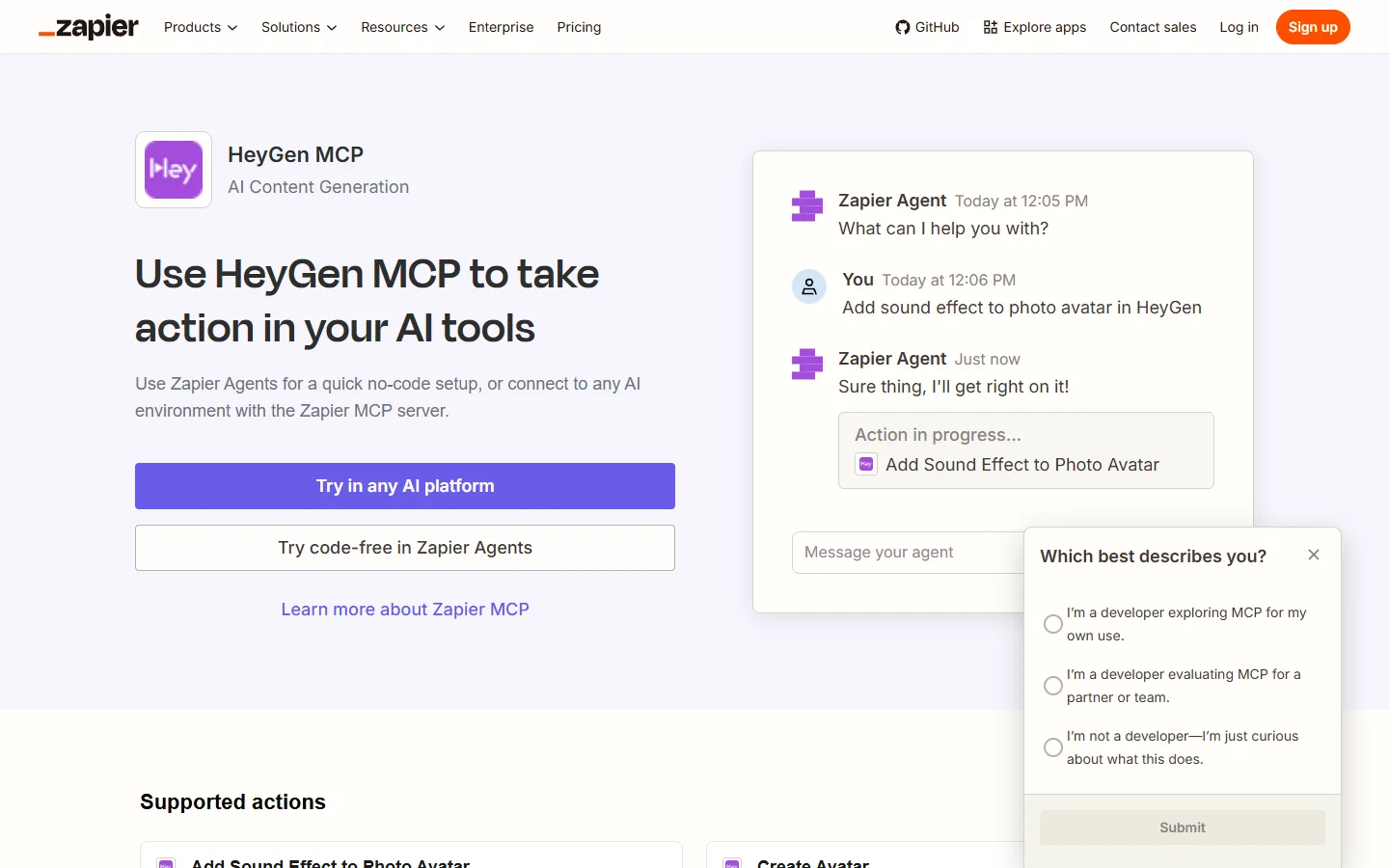
Verdict: best no-code option, especially for downstream delivery. Zapier exposes HeyGen actions over MCP so any compatible client can trigger a render, and the real advantage is what happens after: the finished video can drop into Slack, Drive, Airtable, or a CMS without you writing an integration.
It is the weakest fit for tight creative control. You get the actions Zapier chose to surface, task-based billing sits on top of HeyGen’s credits, and latency through the hosted layer is noticeable on longer renders. Treat it as a distribution tool that happens to make videos rather than a video tool, which makes it a reasonable last stage in a stack of AI tools for social media video.
5. n8n
Verdict: best for teams that need the workflow on their own infrastructure. n8n reaches HeyGen through HTTP request nodes and can itself act as an MCP server, so an agent calls one n8n workflow that internally does the voice generation, the render, the wait, and the upload. Self-hosting means no per-task platform fee and no data leaving your box beyond the API calls themselves.
You pay for that in operations. Someone maintains the instance, the queue, and the credentials, and HeyGen’s polling behavior has to be built by hand with wait nodes and error branches. It is the strongest option when compliance or cost control outranks setup speed, and the general shape of the build matches any project that chains REST APIs into a pipeline.
6. Pipedream
Verdict: best middle ground between no-code and writing your own client. Pipedream gives you prebuilt HeyGen actions with managed auth, then lets you drop real Node or Python steps between them, so the polling loop, the retry policy, and the file handling are yours to write without building the whole integration.
The workflows can be exposed to agents, and the generous free tier makes it a cheap place to prototype before committing to an architecture. The trade is that you are writing code either way, so if you were always going to write the client, the platform mostly buys you hosting and credential management. It is a good fit for volume work of the kind described in batch generation via API, where the loop matters more than the individual call.
7. Smithery
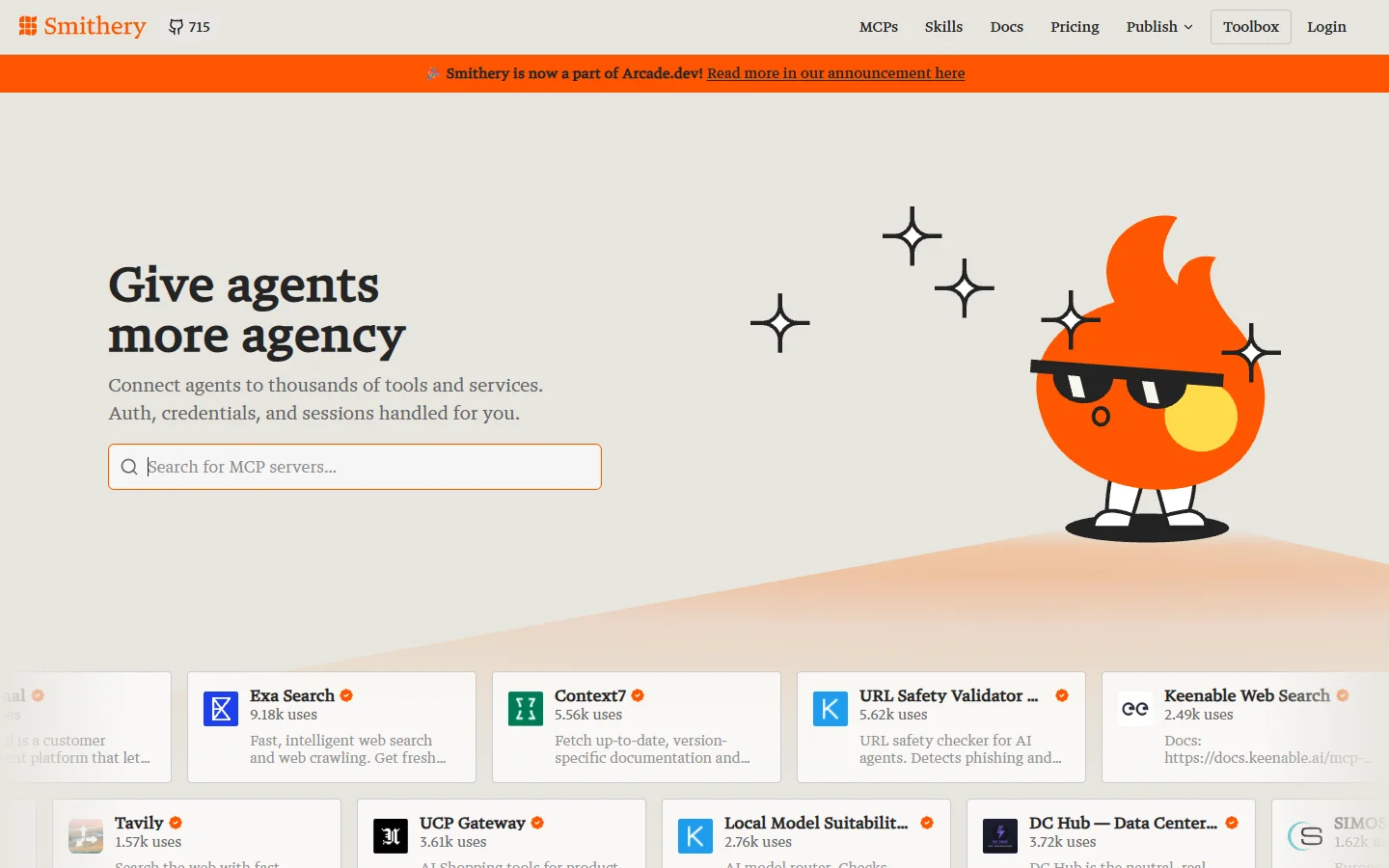
Verdict: best for finding and installing servers, not for generating video. Smithery is a registry and install layer for MCP servers rather than a HeyGen integration in its own right. It earns a slot because discovery is a real problem once your agent has a dozen tools, and it standardizes install and config across clients.
Ranked last because it does not generate anything. Whatever HeyGen server you install through it still has the capabilities and limits of that server, so treat Smithery as plumbing that sits underneath one of the six entries above. The same caveat applies when you install servers for AI canvas platforms with an API.
HeyGen MCP Tools Compared
| Tool | Calls to a finished video | Credits billed to | Self-host | Best for |
|---|---|---|---|---|
| Wireflow | 1 | Wireflow | No | Full pipelines returning one asset |
| HeyGen Official | 3 or more | Your HeyGen plan | No | Direct, first-party access |
| Composio | 2 or more | Your HeyGen plan | No | Managed auth across many tools |
| Zapier MCP | 2 or more | Your HeyGen plan plus tasks | No | No-code and downstream delivery |
| n8n | 1 (after you build it) | Your HeyGen plan | Yes | Owned infrastructure |
| Pipedream | 1 (after you build it) | Your HeyGen plan | No | Code steps with managed auth |
| Smithery | n/a | n/a | n/a | Discovering and installing servers |
How to Wire HeyGen Into an Agent
The setup is short once you know which camp you picked. The steps below assume a direct MCP server; a pipeline tool collapses steps three through five into one call, which is the pattern behind most AI workflows built with an API.
- Create a HeyGen API key in account settings and note which plan the credits come from.
- Add the MCP server to your client config, then restart the client so it re-reads the tool list.
- Ask the agent to list avatars and voices first. If that returns, auth is working and you can stop debugging transport.
- Generate a short test clip with a five-word script. Long scripts hide errors behind long renders.
- Handle the wait explicitly. Give the agent a status-check tool and a retry budget, or let a server-side workflow own the polling.
- Store the returned URL immediately, because most providers expire hosted output links.
Two failure modes account for most broken runs: the agent forgetting a render is still in flight and calling generate again, and a voice or avatar ID that silently no longer exists. Both are easier to contain when the sequence lives server-side rather than in the model’s context, which is the argument for headless AI workflow platforms in general.
Where Image Generation Fits in the Avatar Pipeline
HeyGen’s Avatar IV takes a still portrait as its input, which means the first step of an avatar pipeline is an image problem, not a video one. Teams building a consistent presenter usually generate the source portrait rather than shooting one, and the same rules that govern professional AI headshots apply here: neutral expression, even lighting, shoulders in frame, and no heavy stylization that the animation will exaggerate.
Model choice matters at that step more than at any later one. A portrait from FLUX 1.1 Pro holds facial detail and skin texture well enough to survive being animated, while softer generators produce a face that smears once it starts moving. Generate the portrait once, keep the seed, and reuse it across every clip so the presenter stays the same person from video to video.
FAQ
Do I need a paid HeyGen plan to use its MCP server?
You need an API key, and the free tier includes a small credit allowance that is enough to confirm the wiring works but not enough for regular output. Credit routing is the main practical difference between these tools, and it works the same way for Luma MCP tools and most other model-backed servers.
What is the difference between HeyGen’s API and its MCP server?
The API is a REST interface you call from your own code. The MCP server wraps a subset of that API in a description format an AI client can read, so the model discovers the available tools and their arguments without you writing a client. Same underlying capability, different consumer.
Can I use more than one HeyGen MCP tool at once?
Yes, and it is a reasonable setup: the official server for quick single clips, a pipeline tool for finished videos. Keep the tool names distinct so the agent does not guess between them. Multi-server configs are common in stacks that also run Suno MCP tools for music alongside video.
Which MCP clients work with HeyGen?
Any client that speaks the protocol, which currently includes Claude Web, Claude Desktop, Claude Code, Cursor, Gemini CLI, and a growing set of IDE and agent frameworks. Hosted servers reached over HTTP tend to work in more clients than local stdio servers.
How long does an avatar render take?
Short clips under thirty seconds usually finish in one to three minutes, and longer scripts scale roughly with length. Plan for the wait rather than against it, especially if the source portrait came from a workflow like creating AI avatars from photos, where the image step adds its own latency ahead of the render.
Is a transparent-background avatar worth the extra step?
If you are compositing over your own footage or a branded background, yes, because it removes a chroma key stage later. If you are shipping the clip as-is, the standard render is fine and costs less to produce.
Conclusion
The right pick follows from one question: does your agent need a clip or a video? HeyGen’s official server is the cleanest answer to the first, Wireflow to the second, and the middle entries mostly trade setup effort against how much of the sequence you want to own. Start with the official server to confirm the concept, then move the orchestration server-side when the retries and the polling start eating your context window. If the portrait step is where you are stuck instead, the background on what FLUX 1 is is a better starting point than any of the seven.