
If you need to render hundreds of video ad variants a week, the tool you want is an API, not an editor. This guide ranks seven options across two categories: four rendering APIs that turn a template plus a data row into a finished MP4, and three model APIs that generate the raw clips in the first place. Most production ad pipelines in 2026 use one from each category, and the pattern is the same one described in our guide to building AI workflows with an API.
The short answer: pick Creatomate or Shotstack if your variants are template driven, pick Plainly if your creative team already lives in After Effects, and pick fal.ai or Replicate if the video itself has to be generated per variant. We tested each on the same job, a 9:16 product ad with a swapped hook line, background clip, and end card, and scored them on throughput, template control, and how painful the first successful render was. The wider landscape of AI content generation APIs is worth a read if you are still deciding whether to build or buy.
What a bulk video ad API actually does
A bulk video ad API takes structured input, usually JSON with text fields, image URLs, and clip URLs, and returns a rendered video file. There is no timeline UI in the loop. You POST a job, poll or receive a webhook, and download the result, which is the same request shape used in batch image generation via API.
The reason this matters for ad testing is combinatorics. Three hooks by four background clips by three end cards is 36 variants, and doing that by hand is a full day of editor time. On a programmatic video generation platform it is one loop over a CSV.
Two categories exist and they are not interchangeable. Rendering APIs composite assets you already have. Model APIs generate new footage from a prompt or a still frame, which is where the FLUX family and the current video models come in, and that split is covered in our notes on building AI pipelines with REST APIs.
How we ranked them
The ranking criterion is throughput per engineering hour: how many finished, platform-ready ad variants you can ship per week for a given amount of setup work. Secondary factors were template flexibility, render queue behavior under load, and whether the docs let you get a first render without a support ticket.

1. Creatomate
Best for teams rendering large template driven variant sets.
Creatomate is the most direct fit for the bulk ad use case. You build a template once in their editor, then drive it from a JSON payload where every text layer, image, and clip is a named modification. Batch renders are a first class feature rather than a loop you write yourself, and the output presets cover the vertical formats that dominate social media video creation.
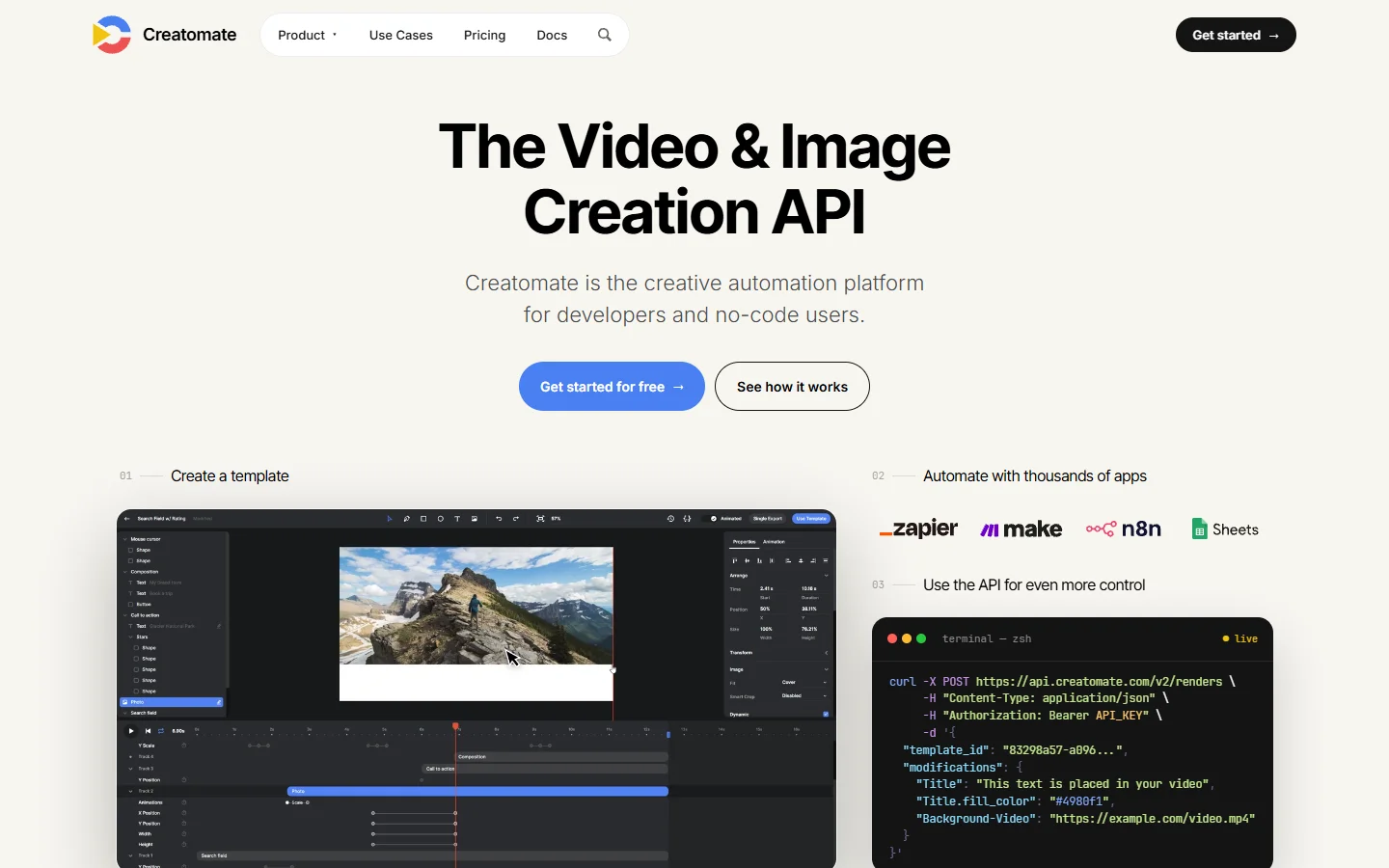
The tradeoff is that you are inside their template model. Complex motion design has to be expressed in their composition format, so anything with heavy keyframe work belongs in Plainly instead.
2. Shotstack
Best for developers who want the edit itself to be code.
Shotstack describes an entire edit as a JSON timeline: tracks, clips, offsets, transitions, and effects. There is no template to maintain, which suits teams generating the edit structure dynamically rather than filling slots in a fixed layout. It pairs well with an upstream generator, and the general pattern is close to what we describe in AI orchestration APIs for production apps.
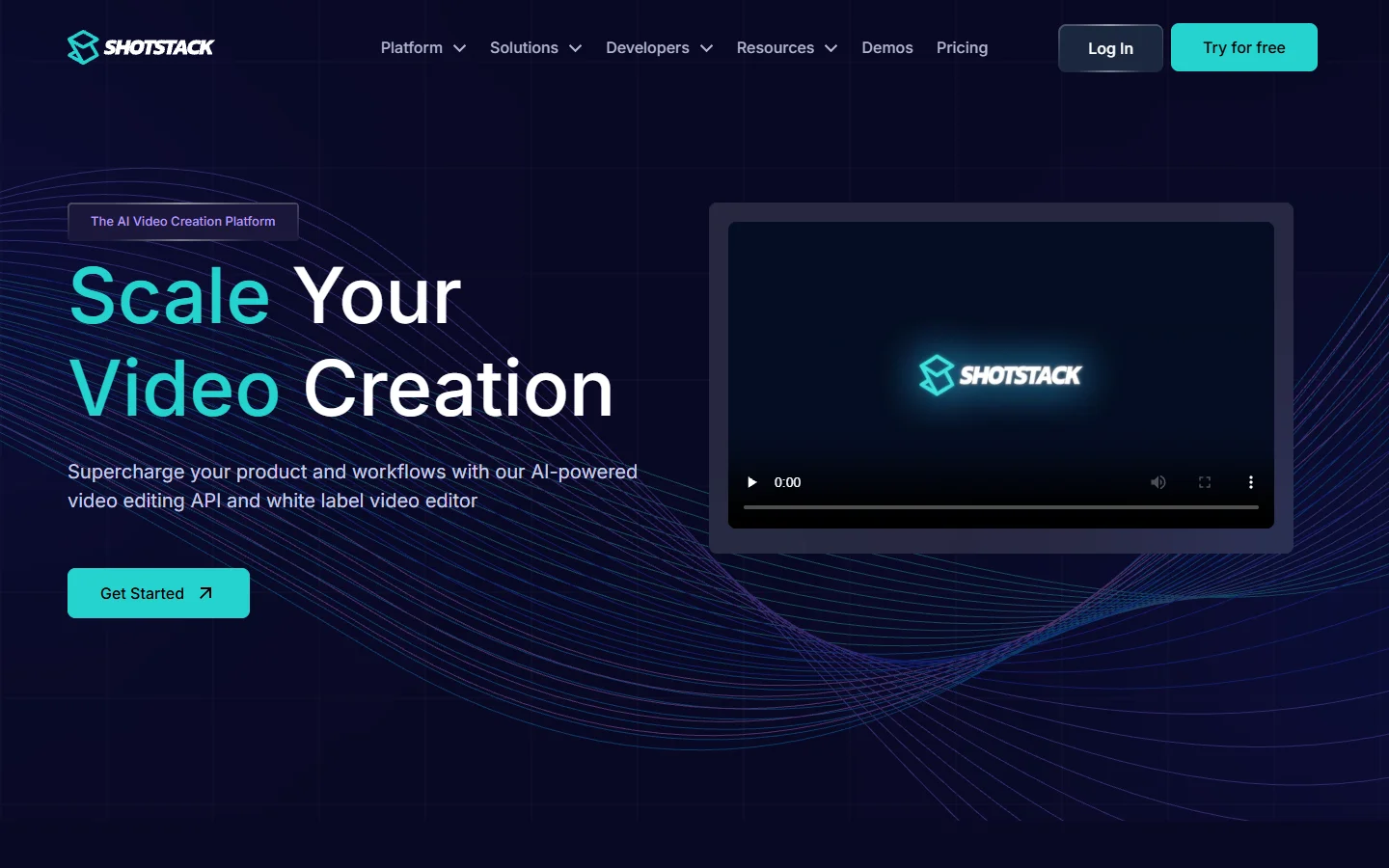
Expect a longer first day. Writing a correct timeline JSON by hand takes more attempts than filling a template, but once your generator is written the variant count stops mattering, which is the same argument for scripted marketing video production.
3. JSON2Video
Best for cheap, high volume, simple layouts.
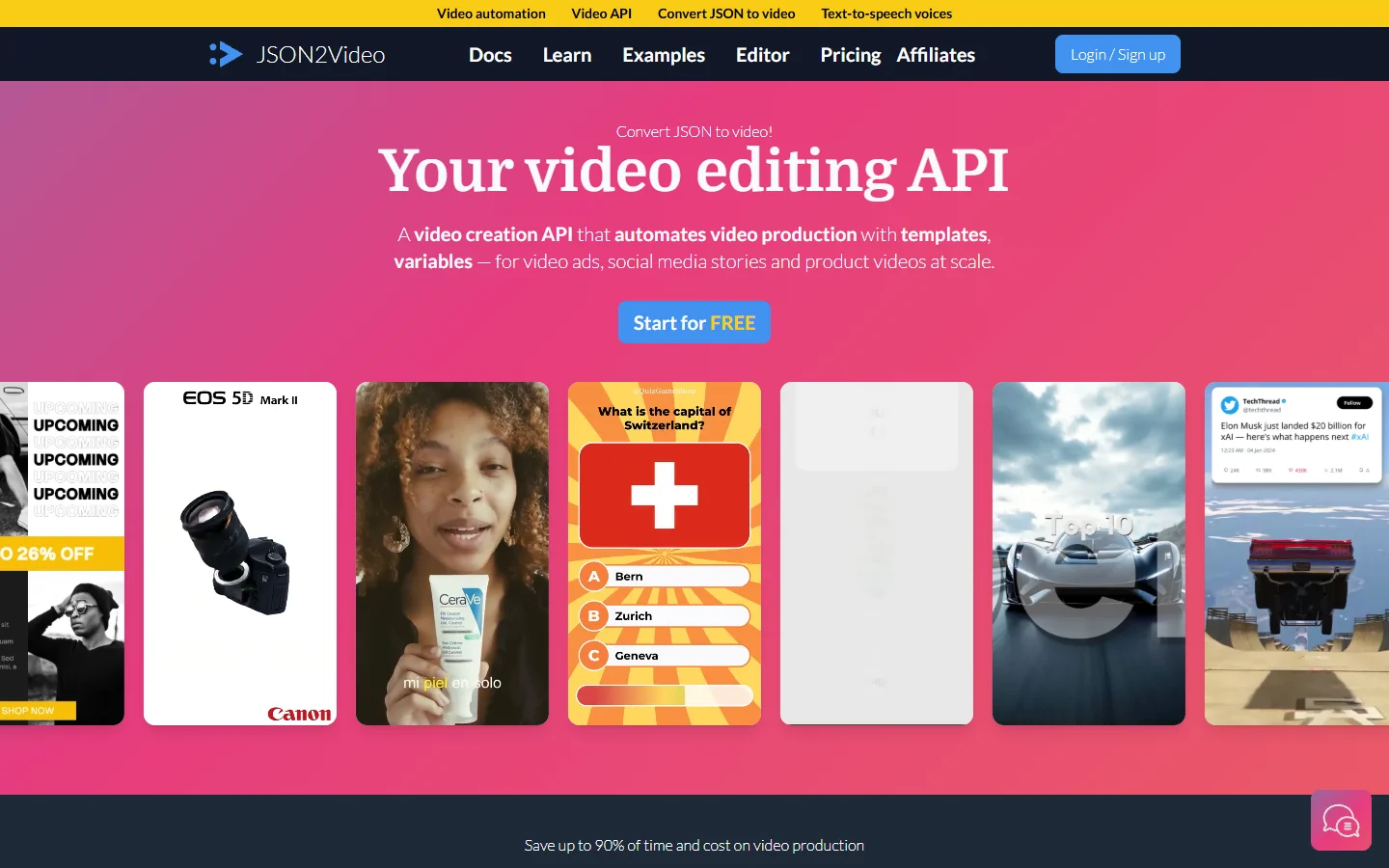
JSON2Video sits between the two above. It is template plus JSON, priced for volume, and it handles the common ad shapes, subtitle burn-in, text overlays, image slideshows, and voiceover tracks, without much ceremony. For a hook-testing sprint where the creative is deliberately plain, it is usually the fastest thing to stand up alongside an existing AI ad generator workflow.
4. Plainly
Best for teams with existing After Effects templates.
Plainly renders your actual After Effects projects in the cloud and exposes the layers as API parameters. If your brand’s motion design already exists as an .aep file, this is the only option on the list that preserves it exactly, and it keeps your designers working in the tool they know while the pipeline handles the rest of the image to video steps.
Render times are longer than the pure compositing services because After Effects is doing real work per frame. Budget for that when you plan a 500 variant batch.
5. fal.ai
Best for generating the clips themselves at low latency.
fal.ai is a model API rather than a renderer. It hosts FLUX image models and the current video models behind one endpoint, with queue and webhook support built for batch traffic. In an ad pipeline it produces the source frames and clips that the renderer then composites, which is exactly the flow described in FLUX Pro API pricing and code examples.
Its strength is latency and a consistent request shape across models, so swapping the video model behind a variant set does not mean rewriting your client. That matters when a new model lands mid-campaign.
6. Replicate
Best for model breadth and quick experiments.
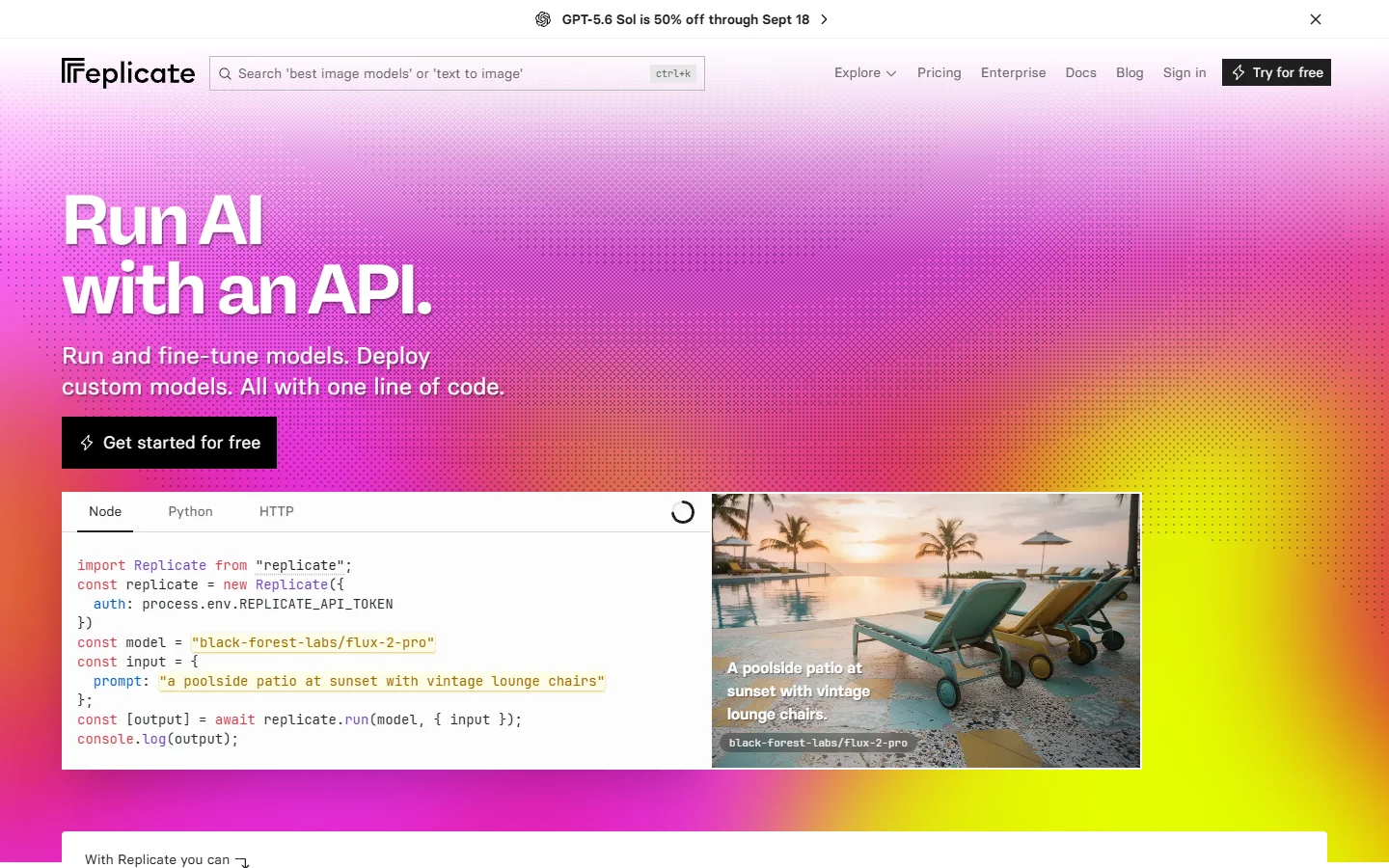
Replicate hosts a very wide catalog of image and video models with a single API key, per-second billing, and a prediction API that batches cleanly. It is the easiest place to A/B two video models against the same prompt before committing a campaign to one, and it works well with the still-frame approach in from FLUX image to video.
7. Runway
Best for creative-led hero clips rather than the long tail.
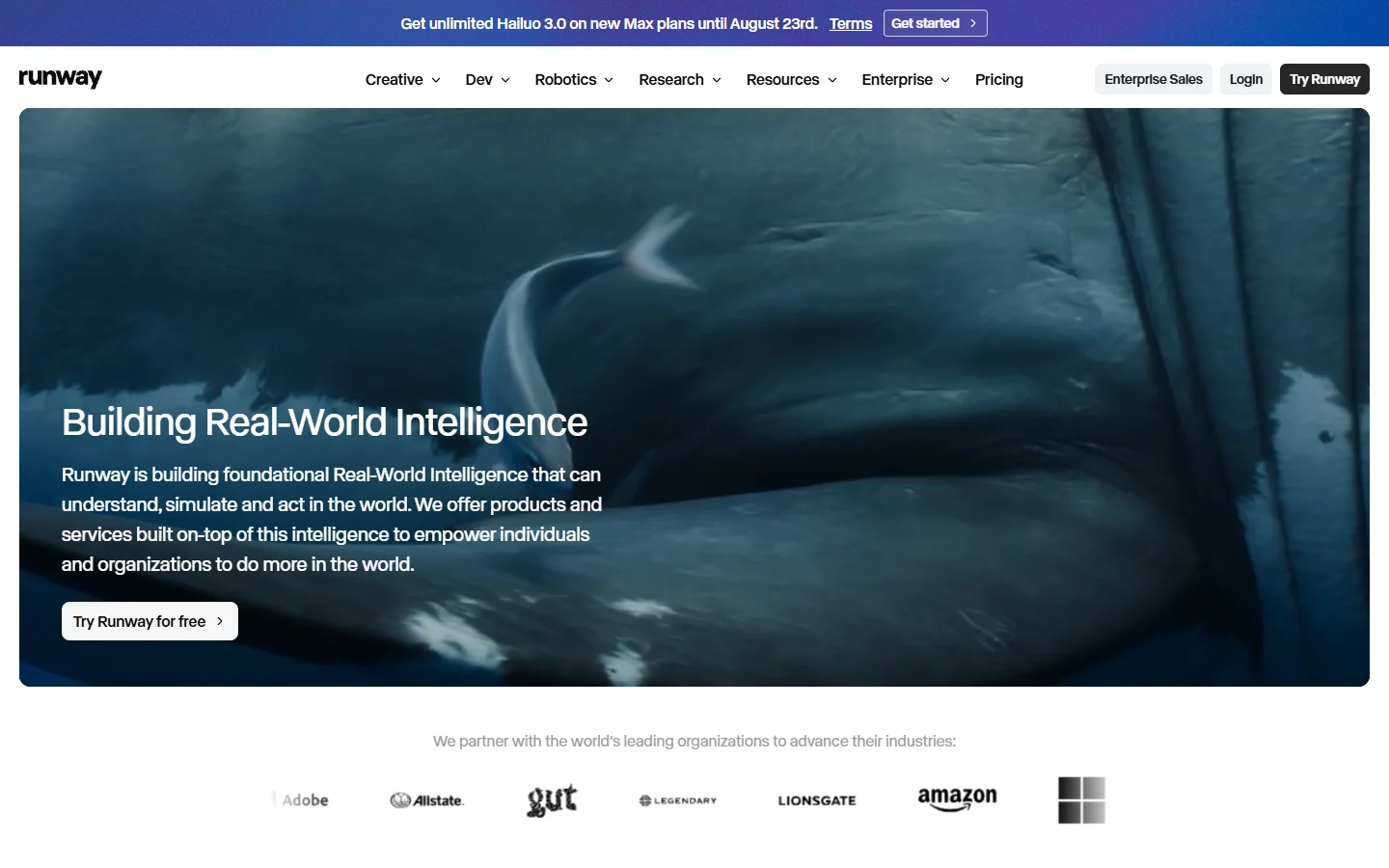
Runway offers API access to its Gen series video models with strong motion quality, which suits the small number of hero clips in a campaign more than the hundreds of variants around them. Teams often generate three or four hero clips here and then multiply them downstream, the same division of labor you see when people access Google Veo via API.
Per-clip cost is the constraint. Generating every variant from a premium video model is rarely the right call when a renderer can recombine a handful of clips instead, a point that also applies to the free online video makers people reach for first.
Comparison table
| Tool | Category | Best for | Input format | Watch out for |
|---|---|---|---|---|
| Creatomate | Rendering | Template driven variant sets | JSON modifications | Template model limits complex motion |
| Shotstack | Rendering | Code-defined edits | JSON timeline | Steeper first build |
| JSON2Video | Rendering | Cheap high volume | JSON template | Limited advanced motion |
| Plainly | Rendering | After Effects templates | .aep layer params | Longer render times |
| fal.ai | Model API | Low latency generation | Prompt or image | Not a compositor |
| Replicate | Model API | Model breadth and testing | Prompt or image | Cold starts |
| Runway | Model API | Hero clips | Prompt or image | Per-clip cost |
How to wire an image-first bulk ad pipeline
The cheapest pipeline that still looks good generates stills first and animates second. Write your product frames with a FLUX model, keep the prompt structure fixed and vary only the product and scene tokens, and store the results by variant ID. Our FLUX prompt library is a reasonable starting point for the base prompt.

Next, animate only the frames that need motion. Passing a still into an image-to-video model costs far less than generating a full clip from text, and it holds the product’s appearance steady across variants, a consistency problem also discussed in Recraft V4 API examples.
Finally, hand the clips and copy rows to your rendering API and let it produce the platform variants. One CSV row per variant, one render job per row, one webhook per finished file. Teams that stop here and manually upload lose most of the time they saved, so push the finished files into the ad platform programmatically too, which is where a video model API tutorial usually leaves off.
Cost and rate limits in practice
Two numbers decide your architecture: cost per generated second and concurrent render slots. Model APIs bill per generated second and get expensive fast at variant scale, so generation belongs at the top of the funnel where a few assets feed many outputs, a point worth checking against current Veo API pricing before you commit.

Rendering APIs bill per rendered minute or per job and cap concurrency by plan. Before a large batch, confirm your plan’s concurrent job limit and add retry with backoff on 429 responses, because a 400 variant batch will hit the ceiling on any starter tier.
FAQ
What is a bulk video ad API?
It is an HTTP API that accepts structured data, usually JSON containing text, images, and clip URLs, and returns rendered video files without a human touching a timeline. It is the mechanism behind most programmatic video platforms.
Do I need one API or two?
Most production setups use two: a model API for generating footage and a rendering API for compositing variants. The exception is when your footage already exists as stock or product video, in which case a renderer alone is enough for a batch generation workflow.
Which is cheapest for hundreds of variants?
Template renderers are cheaper per output than model APIs by a wide margin, because compositing existing assets is far less compute than generating new frames. Generate a small set of source clips, then recombine, as outlined in the free video generator comparison.
Can I generate the ad’s imagery with FLUX and animate it later?
Yes, and it is usually the better order. A FLUX still gives you precise control over composition and product accuracy, then an image-to-video model adds motion, which is the workflow in turning text into video with AI.
How do I keep 200 variants visually consistent?
Fix the seed and the prompt skeleton, vary only the product and copy tokens, and reuse the same background clips across variants. Consistency comes from the prompt structure, as covered in our AI image generator comparison.
What breaks first at scale?
Concurrency limits and asset storage. Renders fail on 429s long before quality becomes the problem, so add retries and store every generated asset with a stable variant ID, the same discipline that realistic AI photo pipelines need.
Conclusion
For most advertisers in 2026 the answer is a pair: one rendering API to multiply variants and one model API to create the handful of source assets those variants share. Creatomate and Shotstack cover the rendering side for template and code-first teams respectively, while fal.ai and Replicate cover generation, and an image-first approach using FLUX AI image generation keeps the compute bill at the top of the funnel where it belongs.