
Choosing the best AI SDK for image generation in 2026 comes down to three questions: how many models one client reaches, how much orchestration it does for you, and what breaks when a model is deprecated. Six platforms cover most real projects, and raw image quality is no longer the deciding factor. Every serious provider now serves FLUX 2, Imagen 4, Seedream and Nano Banana 2 at broadly similar fidelity, so the developer surface around the model decides it. If you are still comparing raw endpoints, our breakdown of the best AI API for developers covers the layer underneath this one.
We ranked the six on four weighted criteria: model coverage through a single client, official SDK quality in Python and TypeScript, orchestration features such as queueing, webhooks and chained steps, and cost transparency. Speed and image quality were treated as table stakes. The same scoring approach is used in our survey of AI workflow platforms with an API.
Every platform below was exercised with the same three test prompts, drawn from our FLUX prompt library, so the verdicts describe the developer surface rather than one lucky render.
1. Replicate
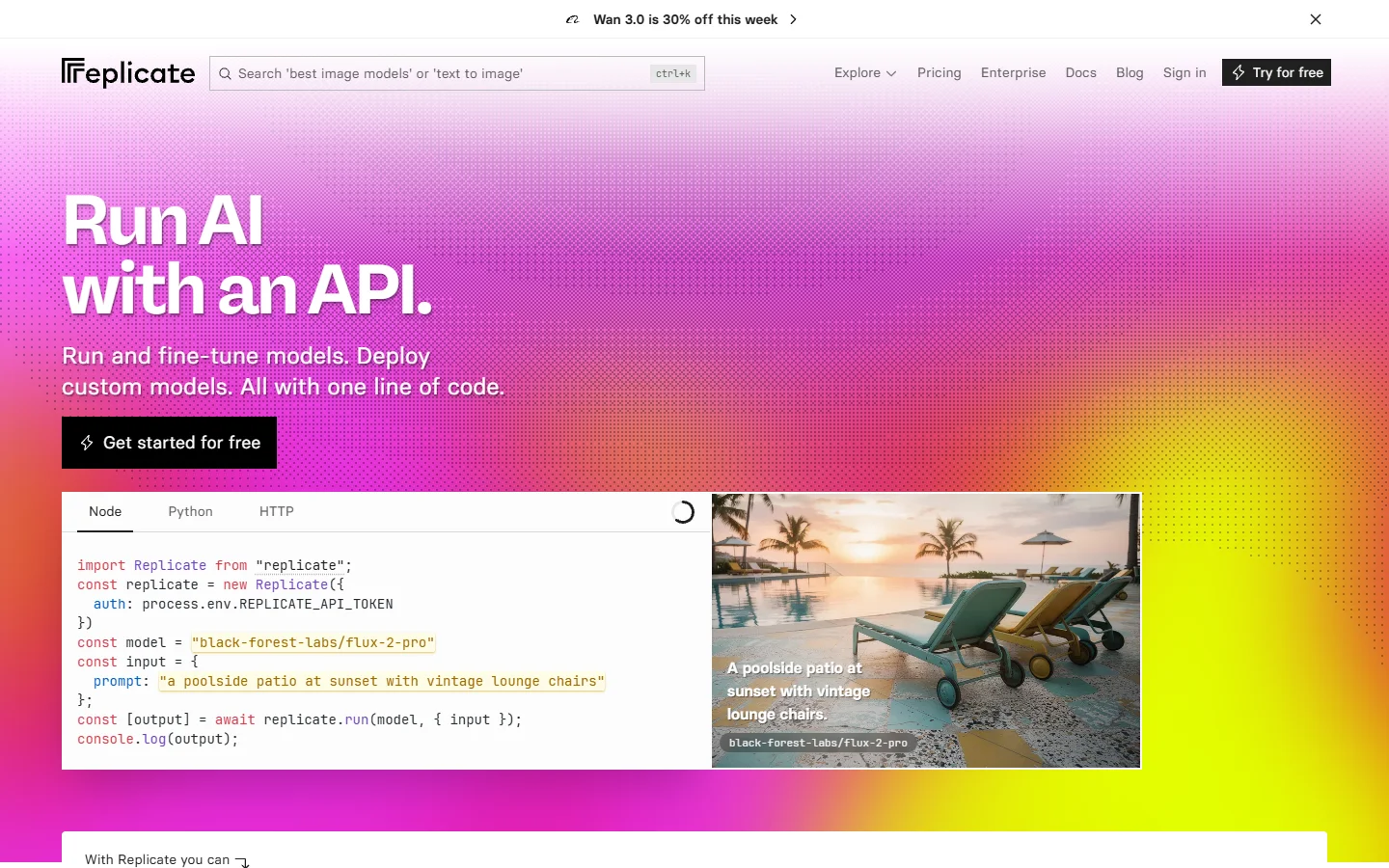
Replicate is the widest single client available. Its Python and JavaScript SDKs expose thousands of community and first-party models behind one run call, and the same call shape works for FLUX, an upscaler, a background remover or somebody’s fine-tuned LoRA. Verdict: best overall AI image SDK for teams that want one dependency and no vendor lock-in.
The trade-off is cold starts. Less popular models scale to zero and can take twenty to sixty seconds on first call, which is fine for batch jobs and rough for interactive UIs. Prediction objects and webhooks make long jobs manageable, close to the pattern in our guide to batch image generation via API.
2. Wireflow
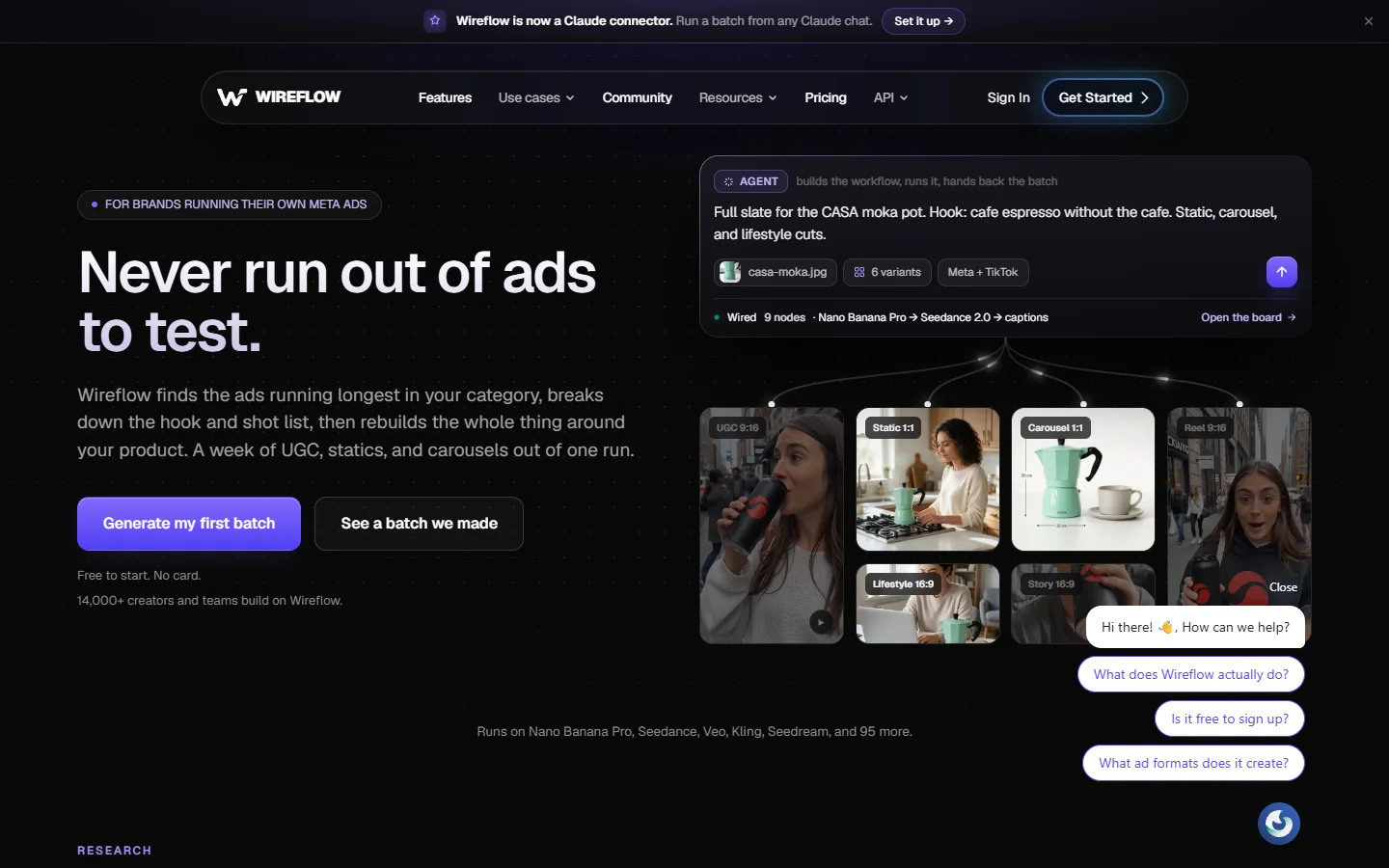
Wireflow is the option for teams whose bottleneck is orchestration rather than generation. Instead of writing your own queue, retry and hand-off logic between a text-to-image call, an upscale and a background swap, you build the chain once as a node graph and call the finished graph over REST with your own inputs. Verdict: best when one output needs three or four models cooperating.
That design has an obvious limit. If you only ever send one prompt to one model, the graph layer is overhead, and a thin client will be simpler to reason about. The same argument applies to any pipeline tool, which is why our comparison of AI content generation APIs separates single-call tools from pipeline tools before scoring them.
3. Black Forest Labs FLUX API
Black Forest Labs sells FLUX directly, so there is no aggregator margin and new checkpoints land on day one. The API covers the full family including the Pro, Kontext editing and fill variants, and the request format is small enough to wrap yourself in an afternoon. Verdict: best for teams standardised on FLUX who want first-party access.

There is no polished multi-language SDK, so you work with plain HTTP and a polling loop. Anyone budgeting a FLUX-first build should read our notes on FLUX Pro API pricing and code examples first, since per-image cost varies sharply between the Pro and Dev tiers.

4. fal.ai
fal.ai optimises for latency above everything else. Its clients support streaming and realtime endpoints, so you can drive a slider in a UI and watch the image update rather than waiting on a job to finish. Verdict: best for interactive and realtime image experiences.
The catalogue is curated rather than exhaustive, which is the point: fewer models, all kept warm, all documented with typed clients. If your product is an editor rather than a batch processor that constraint helps, and it pairs well with the fast preview models in our Recraft V4 API examples.
5. Together AI
Together AI earns a place if your application already calls a language model. One key and one SDK cover both text and image inference, which removes a class of billing and auth plumbing from a prompt-rewriting pipeline. Verdict: best when image generation sits inside a larger LLM app.
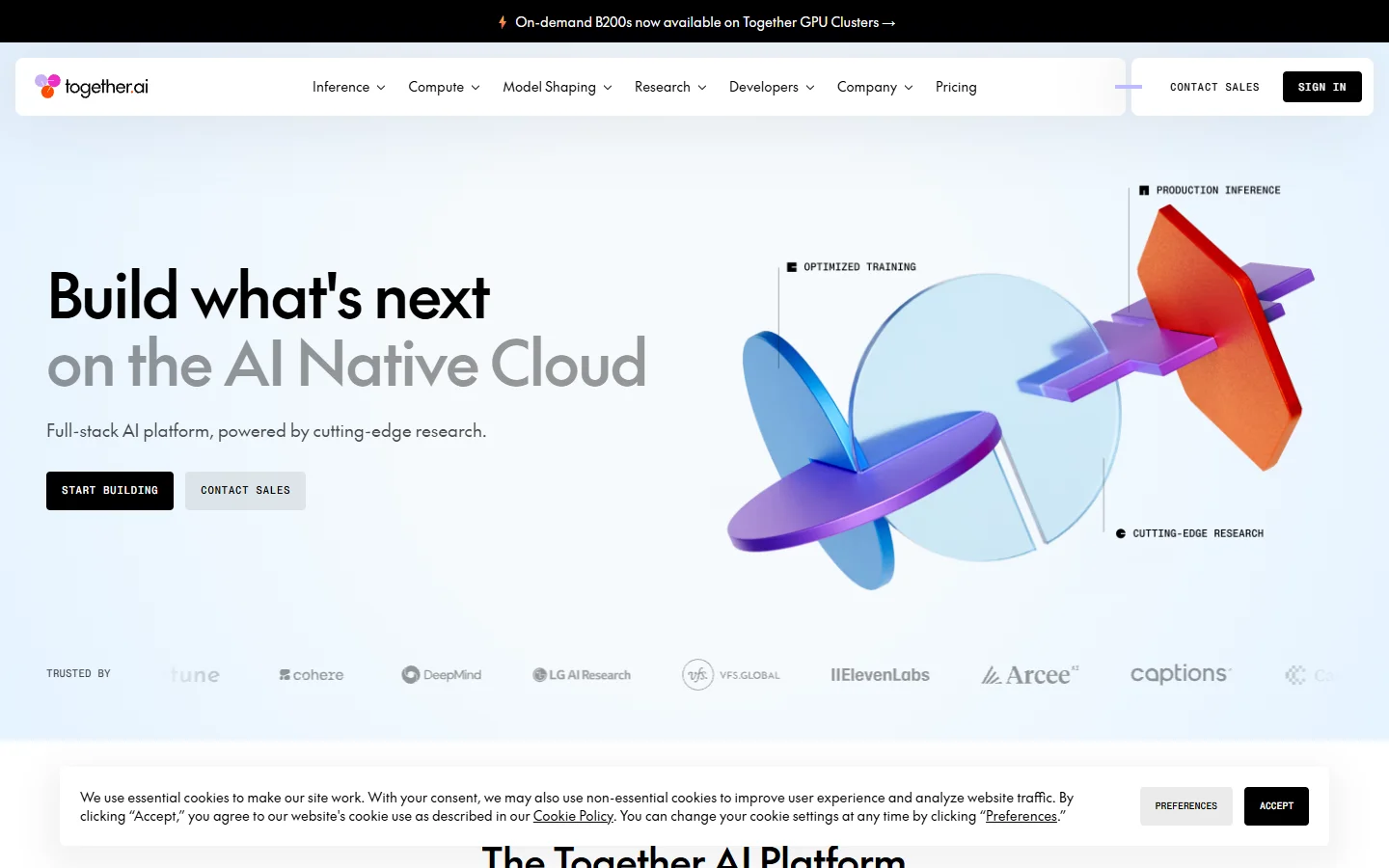
Image coverage is narrower than a dedicated host and editing features lag the specialists. Teams that need conversational editing rather than pure generation will get further with a model built for it, such as the approach in our walkthrough of Nano Banana image generation via API.
6. OpenAI Images API
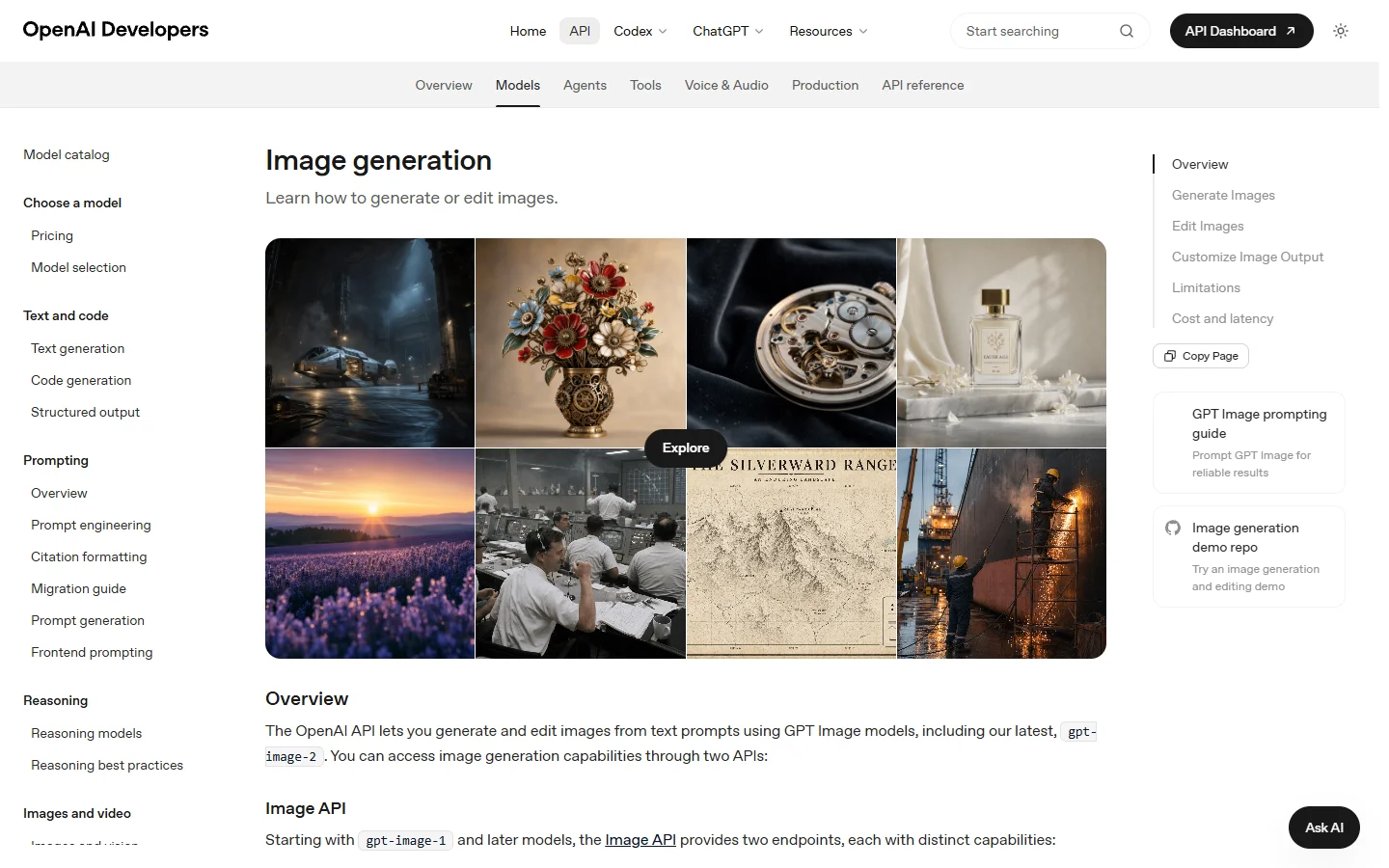
OpenAI’s image endpoint still leads on two specific things: rendering legible text inside an image, and editing an existing image from a plain instruction. Both arrive through the official SDK most teams already have installed. Verdict: best for text-heavy graphics and instruction-based edits.
It is a single-vendor commitment and the content policy is stricter than most alternatives, which matters for fashion, medical and some advertising work. Wire a fallback provider before you ship, and see the Nano Banana 2 developer guide for one that handles similar editing prompts.
Comparison table
| SDK | Model coverage | Orchestration | Best for | Main limitation |
|---|---|---|---|---|
| Replicate | Very wide | Webhooks, predictions | One client for everything | Cold starts on rare models |
| Wireflow | Wide, multi-modal | Node graphs called over REST | Multi-step image pipelines | Overkill for single calls |
| Black Forest Labs | FLUX family only | Polling | First-party FLUX access | No polished official SDK |
| fal.ai | Curated | Streaming, realtime | Interactive editors | Smaller catalogue |
| Together AI | Text plus image | Standard async | LLM apps adding images | Fewer editing features |
| OpenAI Images | Single family | Standard async | Text in images, edits | Strict content policy |
How to choose in practice
Write down the shape of one real request, end to end, including every post-processing step. If the answer is one prompt and one image, pick on latency and price and move on. If a second model touches the first model’s output, you are buying orchestration and should judge candidates on queueing and chaining instead, as our overview of building AI pipelines with REST APIs sets out.
Then run the same three prompts through your two finalists and measure two numbers: median latency at expected concurrency, and cost per accepted image rather than cost per generated image. Rejection rates differ enough that the cheaper per-call option is often more expensive in practice, which is why usage-based API pricing needs modelling against your own accept rate.

Frequently asked questions
What is the difference between an AI image API and an AI image SDK? The API is the HTTP contract and the SDK is the typed client wrapped around it, usually adding retries, polling, file handling and streaming. Most platforms here ship both, and SDK quality varies more than the underlying endpoints do.
Which SDK gives access to the most image models? Replicate, by a wide margin, followed by the other aggregate hosts. If breadth is your main criterion that is the shortlist, and our roundup of AI canvas platforms with an API scores the same field on coverage.
Can one SDK handle generation, upscaling and background removal in a single call? Not with a plain generation client. We tested this on a product photo pipeline that needed generate, upscale and cutout in sequence, and the chained-graph method described in Wireflow’s own SDK comparison was the only one that returned a finished asset from a single request instead of three.
How much should I budget per image in 2026? Published rates cluster between roughly one and six cents per standard image, with premium and editing tiers running higher. Budget on accepted images, and check our notes on programmatic image generation for a worked volume example.
Do I need to pin model versions? Yes. Every host on this list has moved or retired a model endpoint in the last year. Pin an explicit version string or hash, and keep a second provider wired up behind a feature flag so a deprecation is a config change rather than an outage.
Which option is best for a realtime editing interface? fal.ai, because of its streaming and realtime endpoints. A batch-oriented host will work, but perceived responsiveness will not match, and the same holds for the node editors with API access we have tested.
Is open source still competitive with hosted SDKs? For quality, yes. For operational cost, only at sustained volume, since you pay for idle GPUs between bursts.
Conclusion
There is no single best AI image generation SDK in 2026, only a best fit for the shape of your request. Replicate wins on breadth, fal.ai on latency, Black Forest Labs on direct FLUX access, and the workflow platforms win when one output needs several models in sequence. Decide which of those you are, then test two candidates against your own prompts before writing integration code. Our guide to building AI workflows with an API is a reasonable next stop.