
Seven image generation MCP servers are worth wiring into Claude, Cursor, or Codex right now, and they split into three groups: single-model wrappers that install in about five minutes, multi-provider servers that route one generate_image call to Gemini, OpenAI, or Seedream, and pipeline tools that run a whole multi-step job behind one call. All seven speak the same protocol, so they sit side by side in one client without conflict. Most people end up running two, one pixel generator and one pipeline, the same split you see comparing a raw model endpoint against a full FLUX image generator front end.
The protocol is why this category exists. Before it, giving an assistant image generation meant hand-writing a client per provider and keeping it in sync as parameters changed. Now the server ships a tool description, the model reads it, and argument shapes stay server side. That drop in maintenance cost is why the MCP route pulled ahead of stitching content generation APIs together by hand.
How This Ranking Was Built
Ranking criterion: how much of a real image job the server finishes without the model leaving the chat. A server that returns a finished, correctly sized asset in one call ranks above one that returns a raw file the model then has to upscale, crop, and rename across three more calls, because models are unreliable at long tool sequences. Three things were weighed: model coverage, whether the same capability is reachable over REST, and setup friction. Those are the criteria that sort most developer-friendly generation platforms.
Pricing was not weighted, since every server here bills through the underlying model provider. If budget is the deciding factor, the comparison you want is the roundup of free image generators.
The Ranking at a Glance
- Higgsfield MCP · Best model coverage: 30+ image and video models behind one server
- shinpr/mcp-image · Best open source: one tool, three providers, no vendor account
- Wireflow · Best for pipelines: a multi-step image chain published as a single tool
- ImagineArt MCP · Best all-media endpoint: image, video, music, upscale in one server
- Replicate Flux MCP · Best FLUX-only route: thin wrapper over the Replicate API
- Together AI mcp-image-gen · Best minimal server: a codebase you can read in one sitting
- OpenArt MCP · Best for non-developers: broad model lineup, no local install
Read the REST column first if you are wiring these into a backend rather than a chat client, because that is what decides whether the agent work survives the move to production, a point covered in the guide to building AI pipelines with REST APIs.
| # | Server | Models | REST endpoint | Setup | Best for |
|---|---|---|---|---|---|
| 1 | Higgsfield MCP | 30+ image and video | Yes | Account plus key | Widest single-vendor lineup |
| 2 | shinpr/mcp-image | Gemini, OpenAI, Seedream | Provider APIs only | Node 22+, own keys | Open-source multi-provider |
| 3 | Wireflow | Multi-model per workflow | Yes, same workflow | Publish once, then connect | Multi-step image pipelines |
| 4 | ImagineArt MCP | Image, video, music | Yes | Hosted HTTP, key | One server for all media |
| 5 | Replicate Flux MCP | FLUX family | Replicate API | Node, Replicate token | FLUX-only work |
| 6 | Together AI mcp-image-gen | Together catalogue | Together API | Python, Together key | Reading the source |
| 7 | OpenArt MCP | Image and video | Limited | Hosted, account | Non-developers |
1. Higgsfield MCP
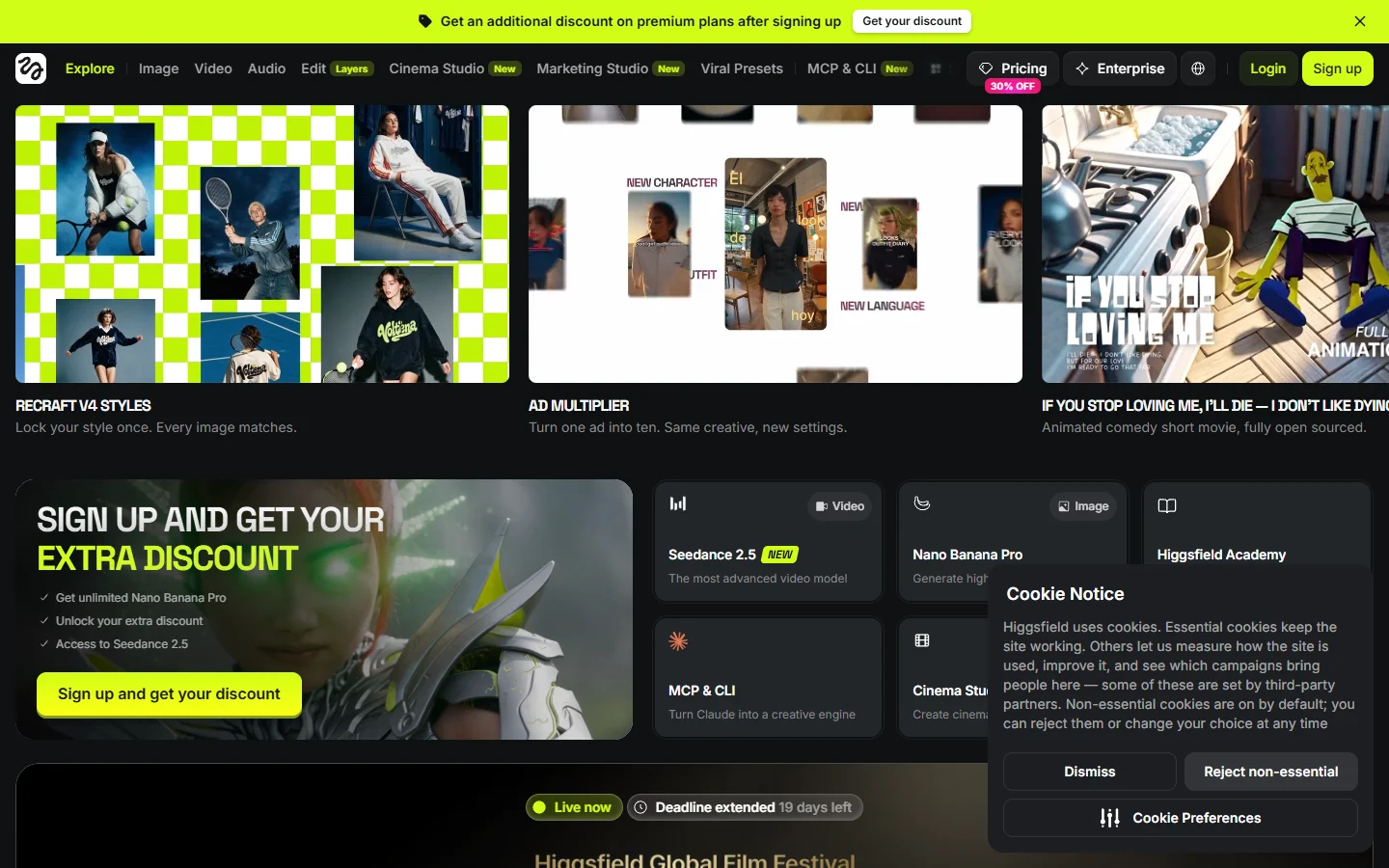
Higgsfield shipped its MCP server in April 2026 and it remains the widest single-vendor creative surface an agent can reach. One connection exposes 30+ models across image and video, including Soul, Flux, Seedream, Kling, and Veo, plus the utility tools most servers leave out: upscale_image at 2K and 4K, outpaint_image, remove_background, and motion control. That utility set earns the top slot, since upscaling and background removal are the two steps people hit right after their first generation. The video half overlaps with most AI video generator rankings.
Verdict: best for the widest model spread with editing tools attached.
2. shinpr/mcp-image
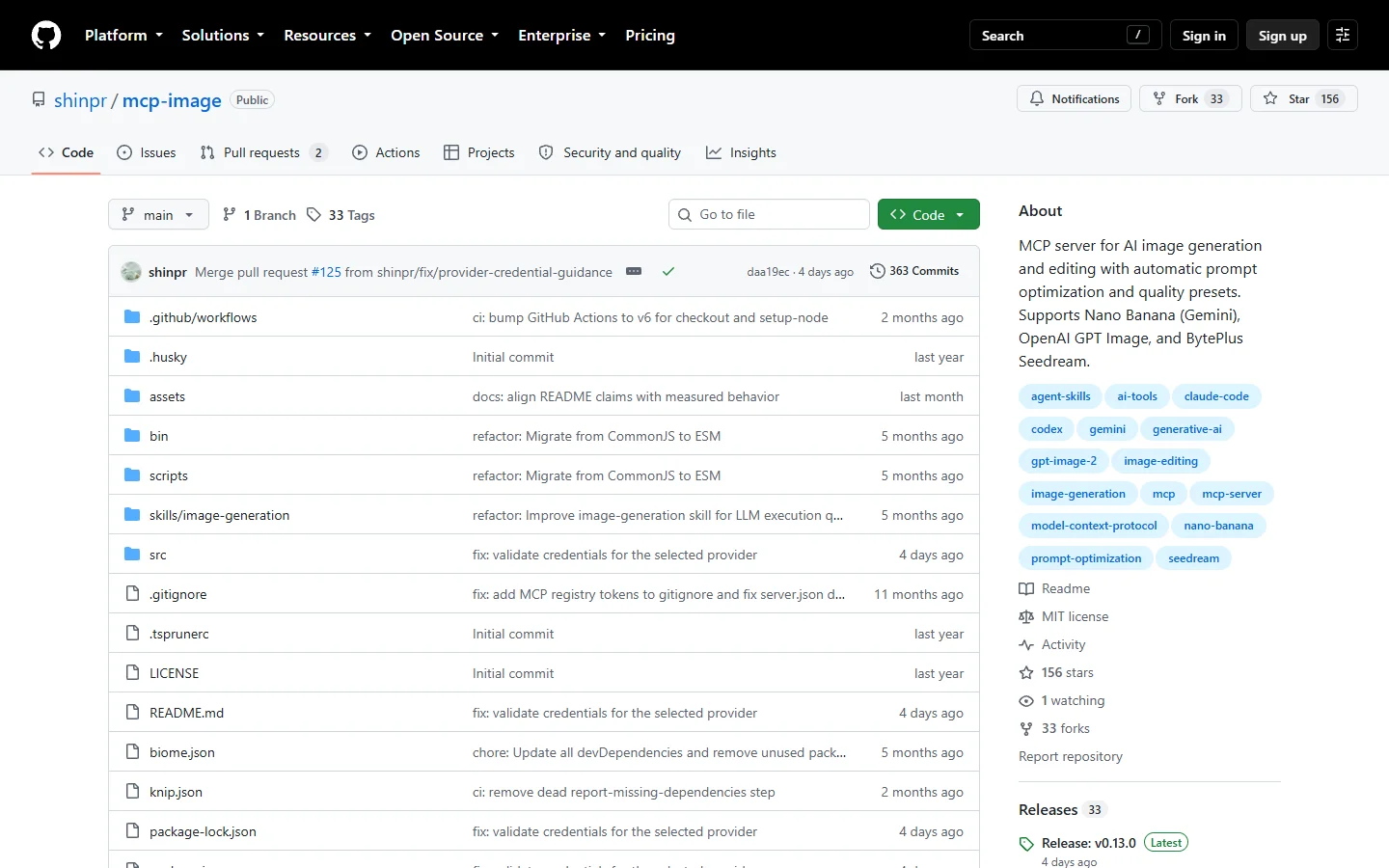
shinpr/mcp-image is the open-source pick. A single generate_image tool covers text-to-image and image-to-image editing across three providers: Gemini for Nano Banana 2 and Nano Banana Pro, OpenAI for gpt-image-2, and BytePlus ModelArk for Seedream 5.0 Pro. Quality presets, aspect ratios, resolution, and character consistency all ride on that one tool, which puts more weight on the prompt, so tested phrasing from a prompt generator beats improvising.
Setup is Node 22+, your own provider keys, and an absolute IMAGE_OUTPUT_DIR. Know the edges first: Seedream tops out at 2K, rejects Google Search grounding, and carries a fixed 300 second timeout, input images are capped at 10MB, and OpenAI requires organization verification before image generation unlocks. If Gemini is your main provider, the Nano Banana 2 API guide covers parameter behaviour better than the repo README.
Verdict: best for provider choice with no vendor in the middle.
3. Wireflow
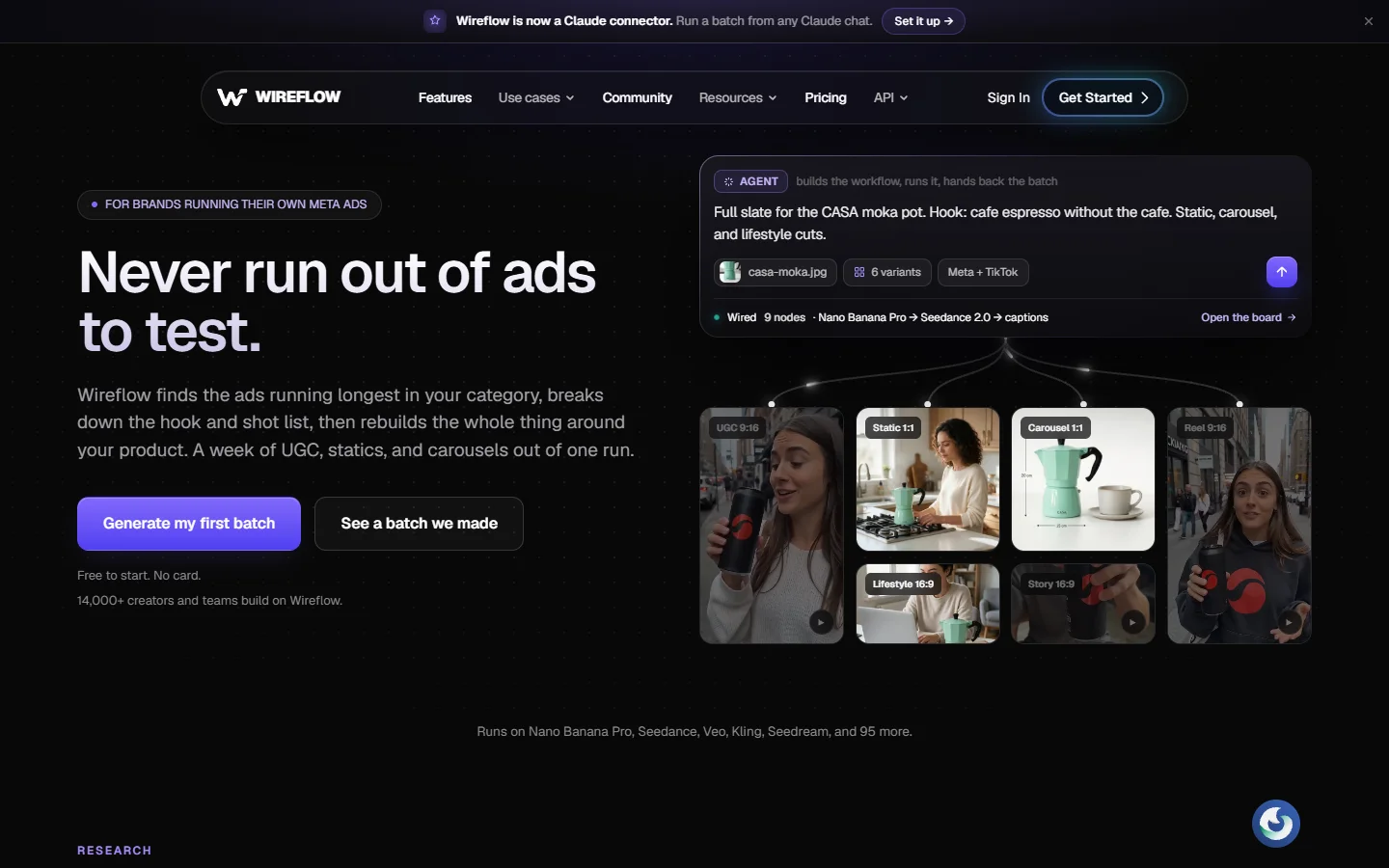
Every server above this line hands the model one atomic generate call, and that is where the approach runs out of road. Real image work is rarely one call. You generate, pick a variant, upscale it, strip the background, then render at three sizes for three placements. With an atomic tool the agent sequences all of that itself, holding intermediate file paths in context and re-deciding the order every run, which is the kind of long chain models get wrong. Building the chain once and publishing it as a single tool is the contrasting option, and that is the model behind wireflow.ai/features/ai-image-generation-mcp: the workflow you assemble on the canvas becomes both an MCP tool Claude or Cursor can call and a REST endpoint your app hits with the same typed inputs.
The agent then sees one tool with named arguments such as product name, style, and output count, and the version called in chat is the same artifact the backend calls. The trade-off is honest: you build the workflow first, and it is overkill if you only ever need one image from one prompt. That build-once trade separates most AI workflow platforms with an API.
Verdict: best when the job is a repeatable pipeline, not a single generation.
4. ImagineArt MCP
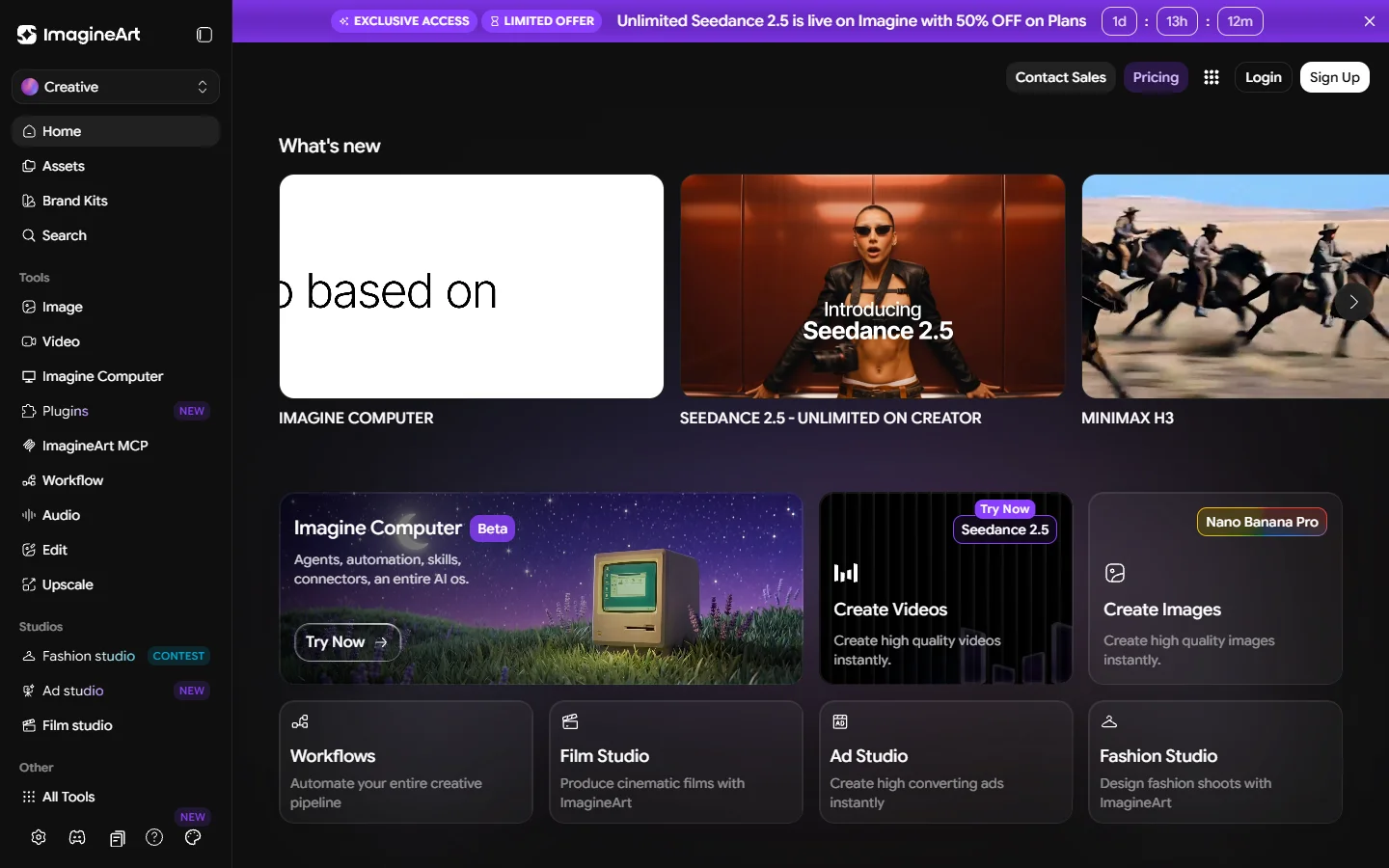
ImagineArt covers image, video, and music generation plus background removal and 4x upscaling from one HTTP MCP endpoint. It is the only server here spanning the full multimedia stack without a separate audio or video server, though the audio side is no substitute for the dedicated options in a music generator comparison.
Shipping as hosted HTTP rather than a local stdio process, it works in more clients than the npm and Python servers here, including web clients that cannot spawn local processes. For steady programmatic output rather than chat, it fits the pattern in the overview of a programmatic image generation platform.
Verdict: best for one key and one endpoint across images, video, and audio.
5. Replicate Flux MCP
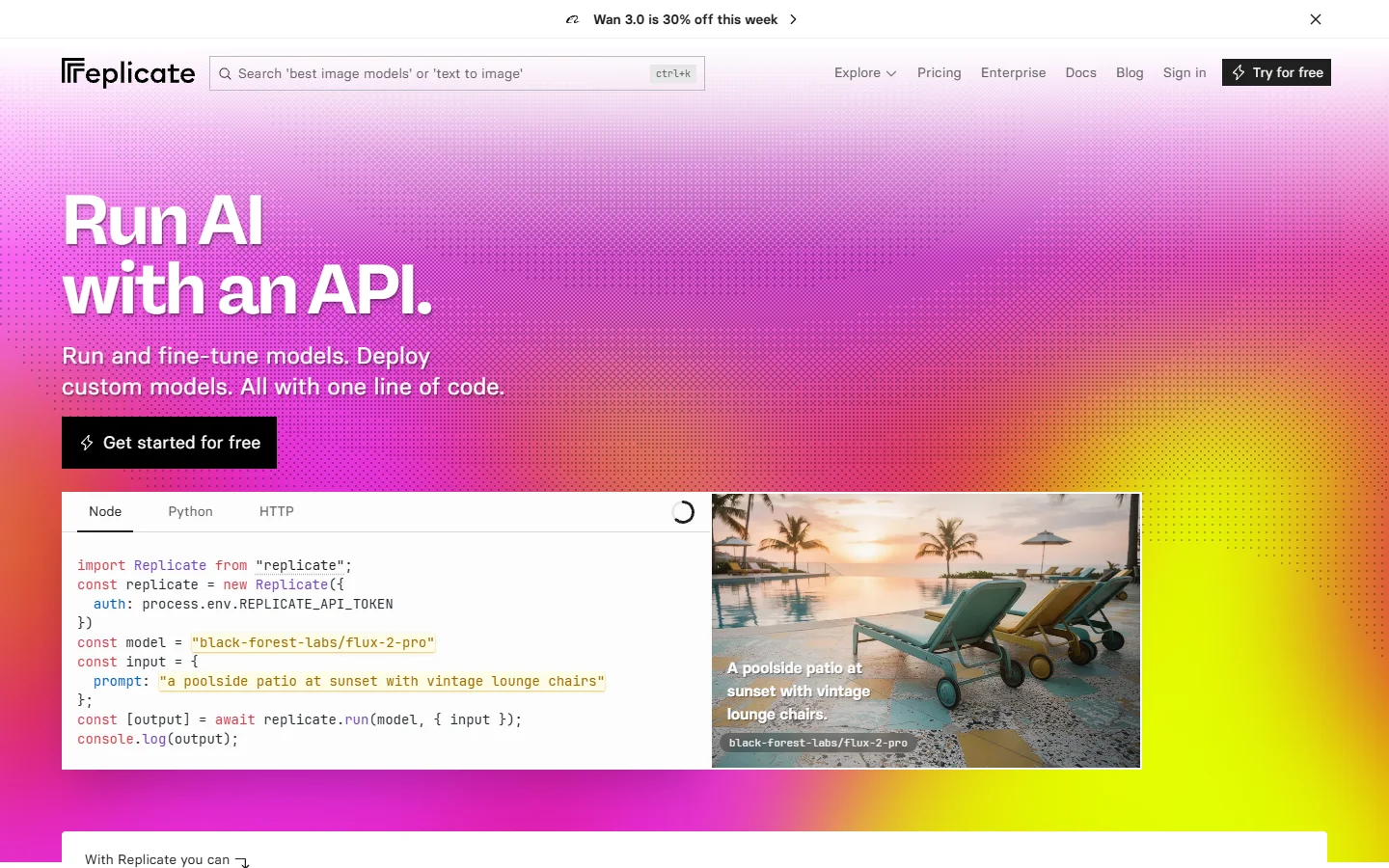
The community Image-Generation-MCP-Server wraps the Replicate API and the FLUX model family. It is thin by design: generation with the usual size, seed, and steps parameters, no upscaler, no background removal, no video. It assumes you know which FLUX variant you want, and if you do not, the explainer on what FLUX 1 is sorts the family out.
It earns its place because FLUX quality per dollar is still strong and Replicate’s billing is transparent. Check FLUX Pro API pricing and code examples against your expected volume first, since per-image pricing changes the calculus fast at batch scale.
Verdict: best if FLUX is the only model you need.
6. Together AI mcp-image-gen
Together AI‘s community server is a small Python project exposing Together’s image models to any MCP client. The codebase is short enough to read end to end in one sitting, which makes it the best starting point if you plan to fork a server and add your own tools. Coverage is deliberately narrow, so treat it as a reference implementation with a working provider attached. The catalogue includes FLUX variants, so you can point it at something like FLUX Krea without changing code.
Verdict: best as a readable template for building your own server.
7. OpenArt MCP
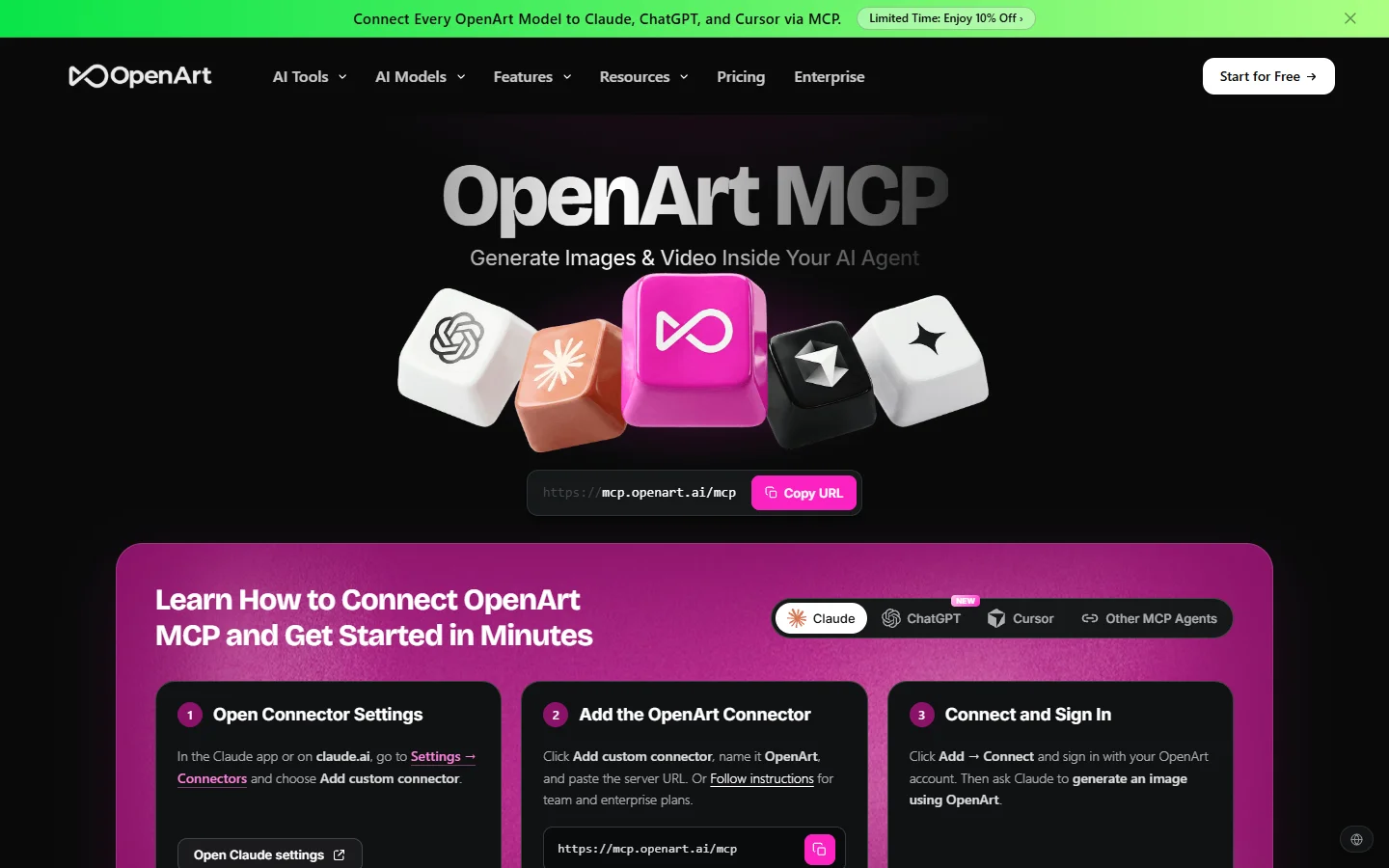
OpenArt puts image and video generation behind one connection with a broad model lineup and no local install, making it the easiest entry point for anyone not comfortable editing JSON config by hand. The cost is control: parameters are simplified, the REST story is thinner, and you work inside OpenArt’s model selection. At that point it is worth checking whether a browser tool solves the problem outright, which is what the shortlist of free image generators is for.
Verdict: best for non-developers who want results before configuration.
How to Wire an Image MCP Server into Claude Code

The mechanics are the same for every server here and take under ten minutes once you have a key. If you are choosing Gemini, read the Nano Banana image generation walkthrough first, because its prompt behaviour differs enough from OpenAI models to change how you write tool descriptions.
- Get the provider key. Gemini keys come from Google AI Studio, OpenAI keys from the platform dashboard, hosted servers from their own account page.
- Add the server to your client config. Local servers take a command plus args entry; hosted HTTP servers take a URL and a header. Most clients start the process lazily on the first tool call, so a config error will not surface until you ask for an image.
- Set an absolute output directory. Local servers write to disk, and relative paths are the most common setup failure.
- Restart and check the tool list. An empty list means the process failed to start, and the client log will say why.
- Run one throwaway generation, then write the tool description you actually want. Something specific such as “use for product photography at 1:1” produces far better tool selection than the default.
One habit worth adopting early: pin the model version rather than accepting the server default. Defaults move when providers ship new versions, and a silent model change is hard to spot in output. The same discipline appears in the Recraft V4 API examples.
Frequently Asked Questions

What is an AI image generation MCP server?
It is a small service that describes image generation tools in the Model Context Protocol format so an AI client can discover and call them without a hand-written integration. The server holds the keys and the argument schemas. Some wrap a single model, others front a whole AI canvas with a REST API so the same logic is callable from a chat client and a backend.
Can I run more than one image MCP server at the same time?
Yes, and it is the normal setup. Servers run side by side as long as their tool names are distinct. A common pairing is one broad model server for one-off images and one pipeline server for repeatable production jobs.
Do these work in Cursor and Codex as well as Claude?
Any client that speaks the protocol can use them, including Claude Desktop, Claude Code, Cursor, Codex, and several CLI clients. Hosted HTTP servers reach more clients than local stdio servers. Model quality is unaffected by the client, which is why head-to-head image generator comparisons test the model rather than the wrapper.
Why does my agent generate the wrong size or aspect ratio?
Almost always a tool description problem rather than a model problem. If the description does not state the default and the allowed values, the model guesses. Write the constraint into the description and the error rate drops sharply.
Is an MCP server better than calling the image API directly?
For interactive work yes, because you skip writing and maintaining a client. For high-volume automated work a direct REST call is more predictable, since you control retries and concurrency. The strongest setup points both paths at the same logic, which is what a published AI node editor with an API gives you.
What does it cost to run one of these?
The server itself is usually free or open source. You pay the model provider per image, so a Seedream call and a gpt-image-2 call at the same resolution can differ several-fold. Set a spend cap before handing an agent a generation tool, because the gap compounds once you move to batch image generation.
Do I need a GPU?
No. Every server here calls a hosted model over the network.
Conclusion

The choice comes down to one question: is your job a single generation or a chain. If it is a single generation, pick the server with the model you want and stop there, and Higgsfield or mcp-image covers most cases. If it is a chain that repeats, the pipeline route saves more time than any model upgrade will. Either way the model does the heavy lifting, so it is worth knowing what the current generation can do before blaming the wiring, and the breakdown of FLUX 1.1 Pro is a useful benchmark.